
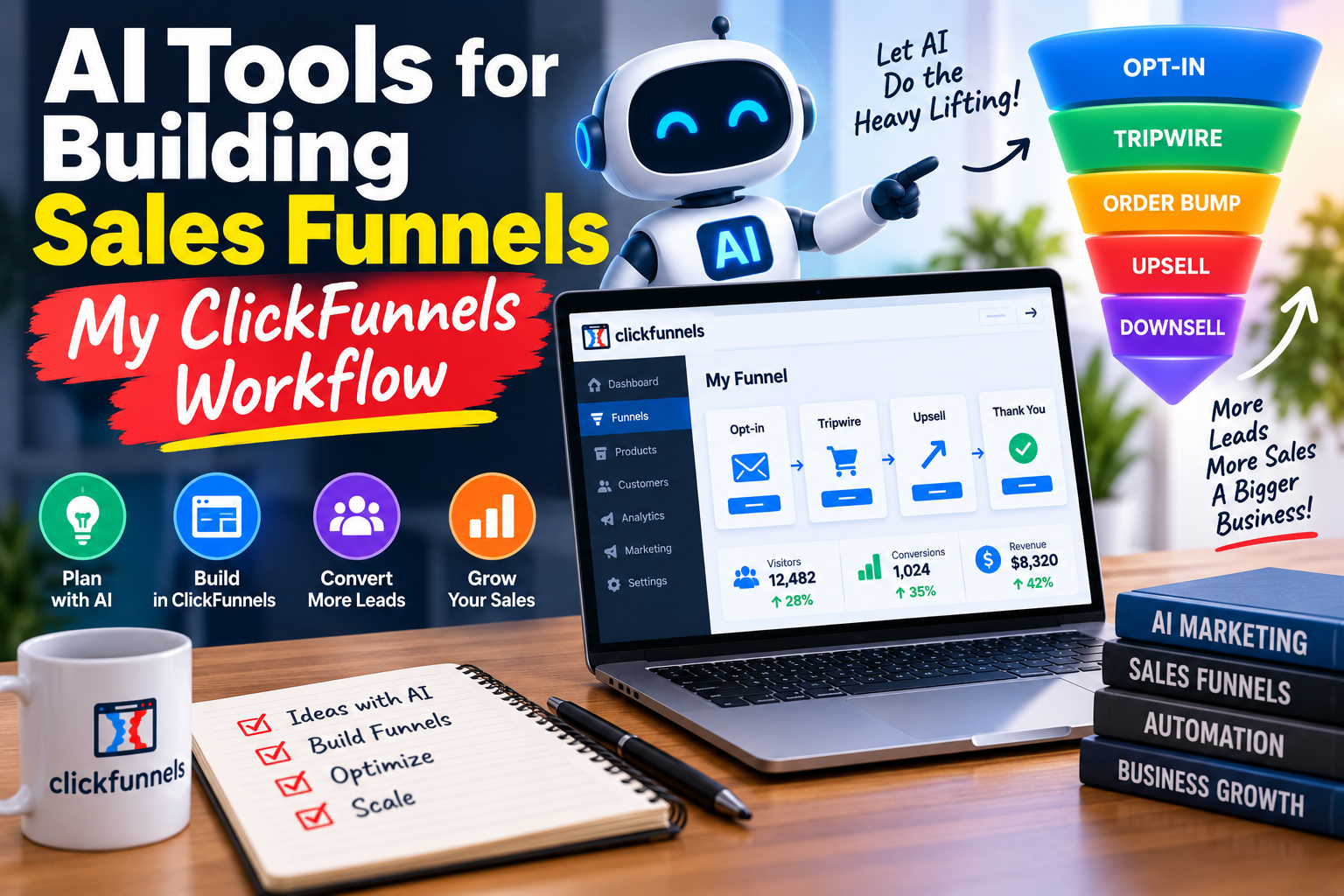
Using AI tools for building sales funnels has completely changed how fast I can go from idea to live funnel. A few years ago, building a single funnel in ClickFunnels — pages, copy, emails, and all — could eat up an entire week. Now, by pairing ClickFunnels with the right AI tools, I can get a working draft out the same day. In this post, I’ll walk through exactly which AI tools I use, where they fit into the ClickFunnels workflow, and how you can set up the same system for yourself.
Table of Contents
Why Combine AI Tools With ClickFunnels
ClickFunnels already gives you the structure — pages, funnels, checkout, email automation. What it doesn’t do on its own is write your copy, design your graphics, or plan your funnel strategy from scratch. That’s the gap AI tools fill. Instead of staring at a blank page editor, I start with AI-generated drafts and then use ClickFunnels to build, test, and optimize.
The result is a workflow where AI handles the heavy lifting of ideas and first drafts, and ClickFunnels handles execution, hosting, and conversions.
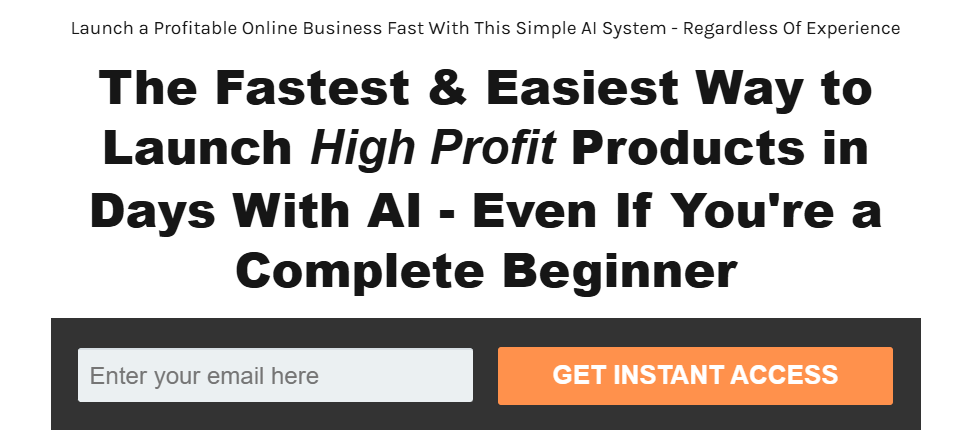
Step 1: Funnel Strategy and Offer Planning With AI
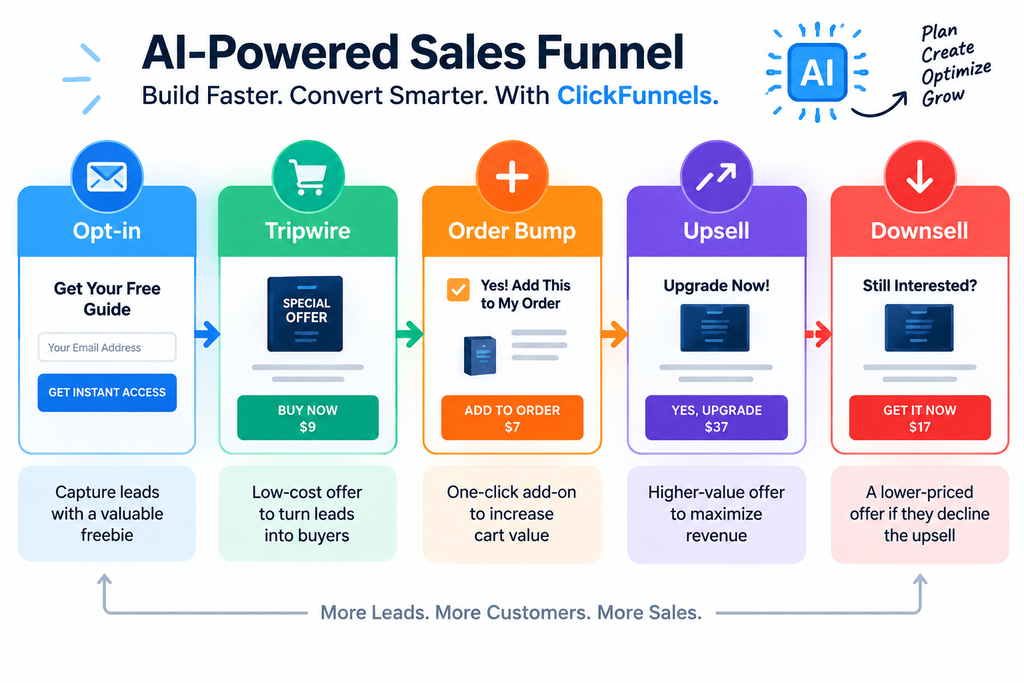
Before I ever open ClickFunnels, I use an AI chat tool to map out the funnel itself — the offer, the price points, the upsells, and the order of pages. I describe my niche, my target customer, and my main offer, then ask the AI to suggest a funnel structure (opt-in page, tripwire, order bump, upsell, downsell).
This step alone saves hours because I’m not guessing at funnel architecture — I’m refining a plan the AI already laid out based on proven funnel patterns.
Step 2: Writing Page Copy and Headlines
Copywriting is where AI tools save the most time. I feed the AI my offer details and ask for headline variations, page copy, and bullet points for benefits. I never use the first draft word-for-word — I edit it to match my voice — but starting with a solid draft instead of a blank screen cuts my copywriting time by more than half.
Once the copy is ready, I paste it directly into the ClickFunnels page editor and adjust formatting as I build out the page visually.
Step 3: Designing Graphics and Images
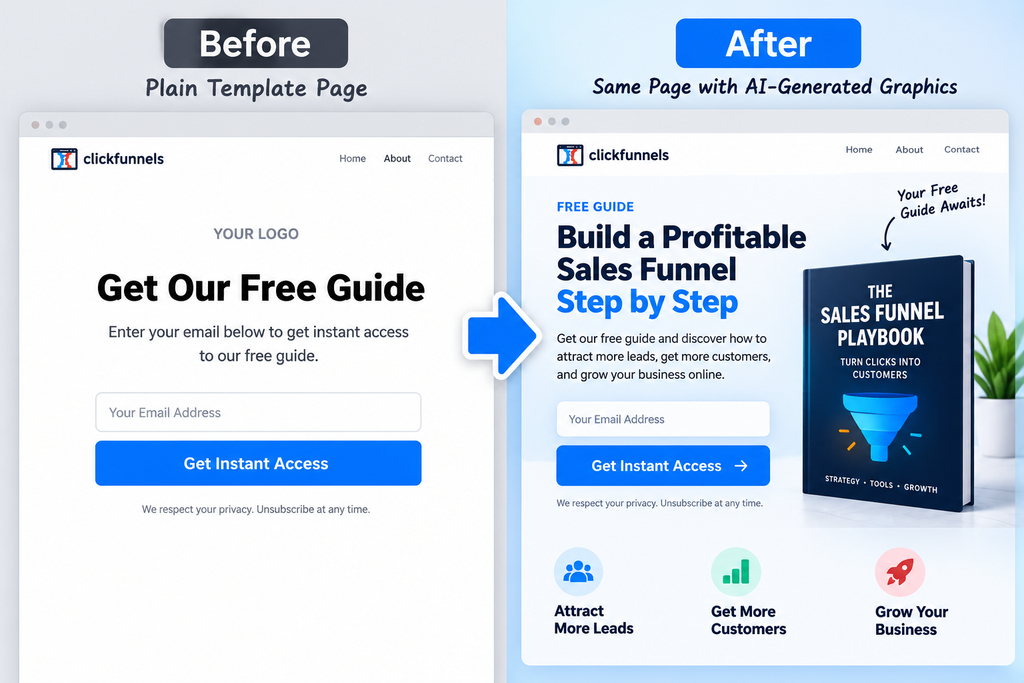
For product mockups, background images, and icons, I use AI image tools to generate custom visuals instead of relying only on stock photos. This keeps my pages from looking like every other ClickFunnels template out there. ClickFunnels also has its own built-in AI features for generating page designs and images, which I sometimes use as a starting point before customizing further.
Step 4: Building Email Sequences Faster
Every funnel needs follow-up emails, and this is another place AI tools for building sales funnels really shine. I give the AI my offer, my funnel goal, and the number of emails I need, and it drafts a full sequence — subject lines, preview text, and body copy. I then load the finished sequence into ClickFunnels’ built-in email automation and schedule it to trigger based on funnel actions.
Step 5: Testing and Optimizing With AI Insights
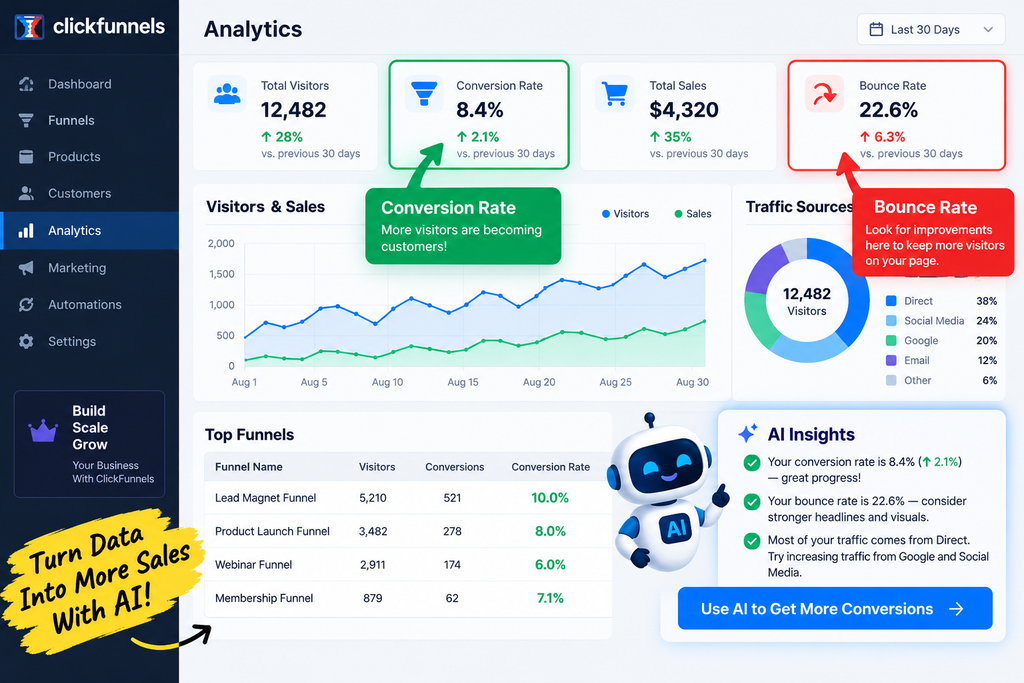
After the funnel is live, I use AI tools to help interpret performance data — conversion rates, drop-off points, and which page variations are performing better. Instead of manually digging through numbers, I ask the AI to summarize trends and suggest what to test next, then I make the actual changes inside ClickFunnels’ split-testing feature.
My Actual Workflow, Start to Finish
- Plan the funnel structure and offer with AI
- Draft page copy and headlines with AI
- Build the pages in ClickFunnels using the AI-generated copy
- Generate or refine visuals with AI image tools
- Write the email sequence with AI, then load it into ClickFunnels automation
- Publish, test, and use AI to help interpret the results
This is the exact loop I repeat for every new funnel, and it’s the biggest reason I’ve been able to launch offers so much faster than when I built everything manually.
Getting Started With ClickFunnels
If you don’t have a funnel builder yet, this whole workflow starts with ClickFunnels itself — it’s the platform that turns your AI-generated copy, design, and emails into an actual working funnel. Right now you can try ClickFunnels for 3 months for just $99, which is a low-risk way to test this exact AI-plus-ClickFunnels workflow on your own offer.

Final Thoughts
Combining AI tools with ClickFunnels isn’t about replacing the work — it’s about removing the blank-page problem at every stage of the funnel-building process. Once you have a system where AI drafts and ClickFunnels builds, you’ll find yourself launching funnels in days instead of weeks. If you’re ready to put this workflow to the test, grab the ClickFunnels 3-month trial for $99 and start building your first AI-assisted funnel today.







Pingback: 5 Signs It's Time to Automate a Task in Your Business - Your Small Business Solutions