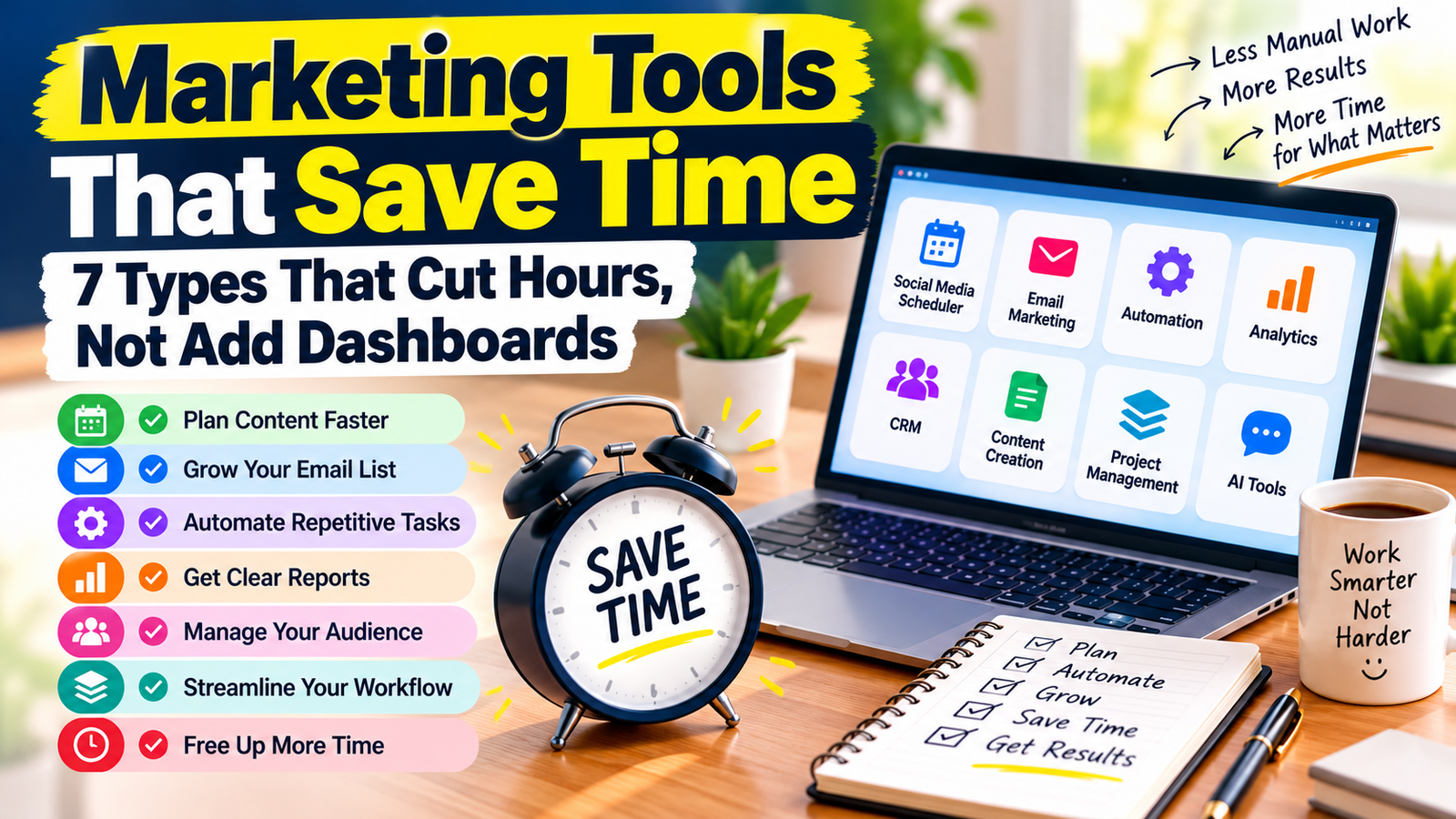
Finding marketing tools that save time sounds easy until you open your fifth dashboard of the day. Most small business owners don’t have a tool shortage. They have a tool overload. Every new app promises more insight, more reach and more control, but somehow your week gets busier, not lighter.
The real test of any marketing tool is simple: does it remove a task from your plate, or does it just give you one more thing to check? In this guide, you’ll learn how to spot marketing tools that save time, which types are actually worth paying for, and how to build a lean stack that runs without constant babysitting.
Table of Contents
Why More Dashboards Don’t Mean Better Marketing
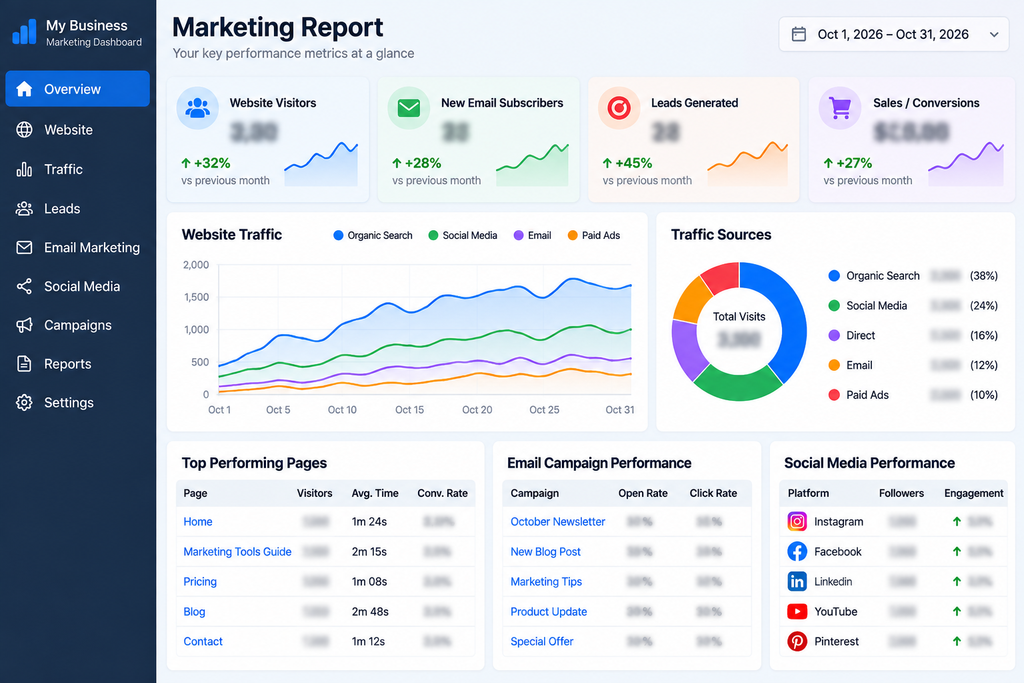
Dashboards show you what happened. They rarely do anything about it. When you add a new analytics screen, social inbox or reporting app, you also add a login, a learning curve and another habit to maintain.
Here is how tool overload quietly eats your time:
- You check several apps just to answer one simple question, like “Is my marketing working?”
- You copy data by hand from one tool to another.
- You pay for features you never open.
- You spend more time managing tools than talking to customers.
The fix is not fewer tools for the sake of it. The fix is choosing marketing tools that save time, judged by the work they take off your plate.
How to Tell If a Tool Is Among the Marketing Tools That Save Time
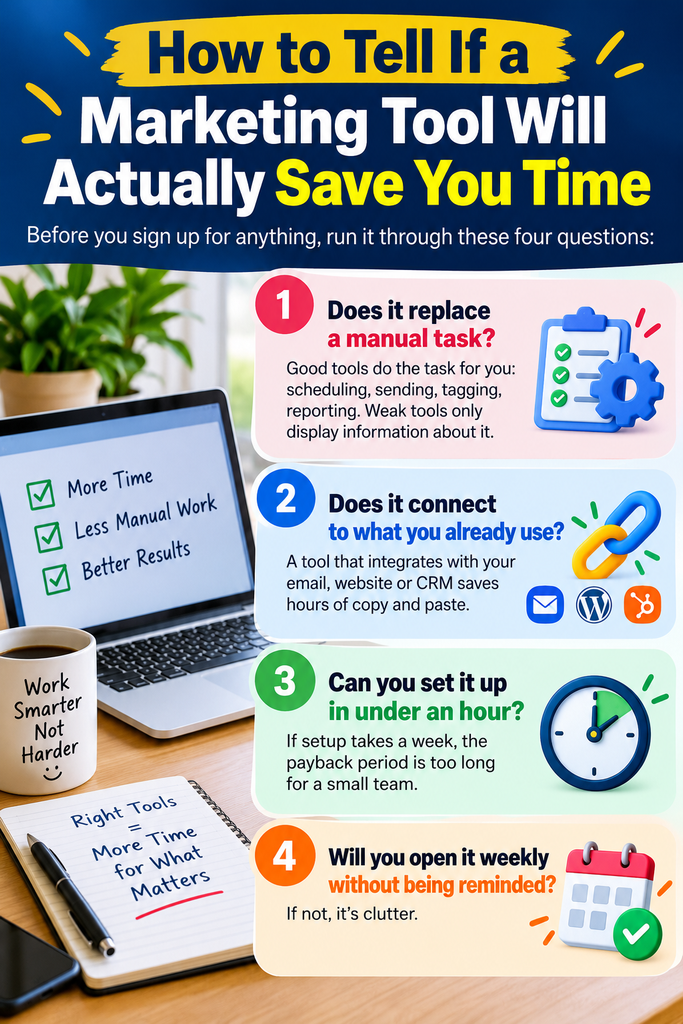
Before you sign up for anything, run it through these four questions to confirm it belongs with the marketing tools that save time:
- Does it replace a manual task? Good tools do the task for you: scheduling, sending, tagging, reporting. Weak tools only display information about it.
- Does it connect to what you already use? A tool that integrates with your email, website or CRM saves hours of copy and paste.
- Can you set it up in under an hour? If setup takes a week, the payback period is too long for a small team.
- Will you open it weekly without being reminded? If not, it’s clutter.
If a tool fails two or more of these, skip it.
7 Types of Marketing Tools That Save Time
1. Social Media Schedulers
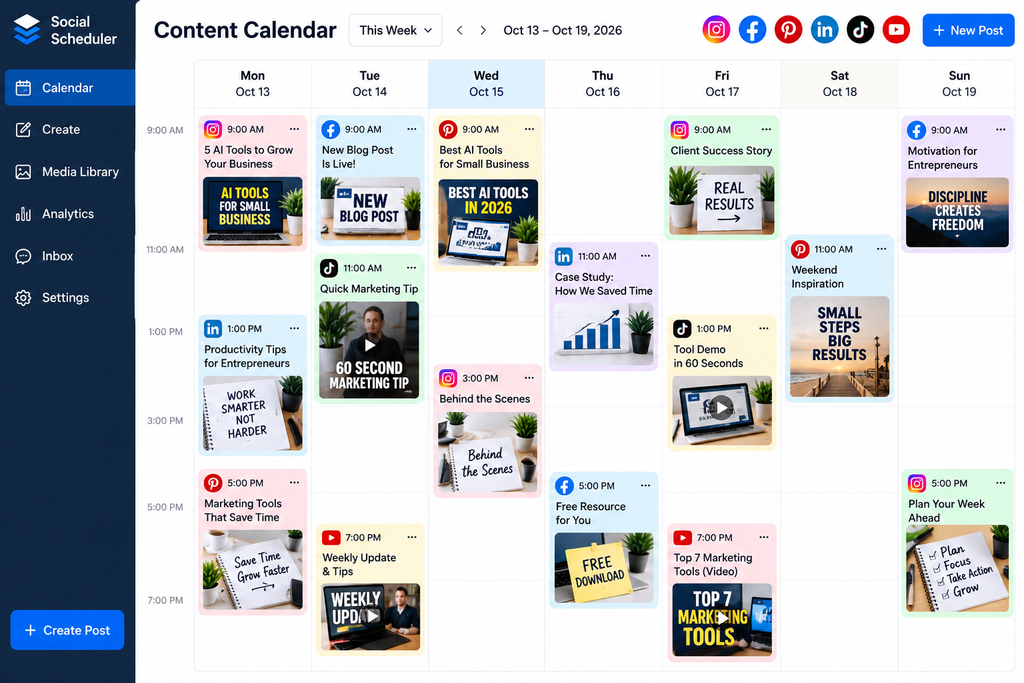
Social media schedulers are some of the easiest marketing tools that save time for beginners. Posting manually every day is one of the biggest time drains in small business marketing. A scheduler lets you batch a week or a month of posts in one sitting, then publishes them for you. Buffer, Later and Metricool are popular options.
Time saved: 3 to 5 hours per week for most small businesses.
2. Email Marketing Automation
An automated welcome sequence works for you around the clock. New subscriber joins, gets a series of helpful emails, and you never touch it again. Platforms like MailerLite, Mailchimp and Aweber all support this. If you want a deeper comparison, see our guide to the best email marketing tools for small business in 2026.
Time saved: Hours of repeat follow-up, plus fewer missed leads.
3. Design Tools With Templates
Starting every graphic from a blank page is slow. Canva and similar tools let you save brand templates, so a new post, pin or flyer takes minutes instead of an hour. Set your colors, fonts and logo once and reuse them.
Time saved: 2 to 4 hours per week if you create visuals regularly.
4. Workflow Automation Tools
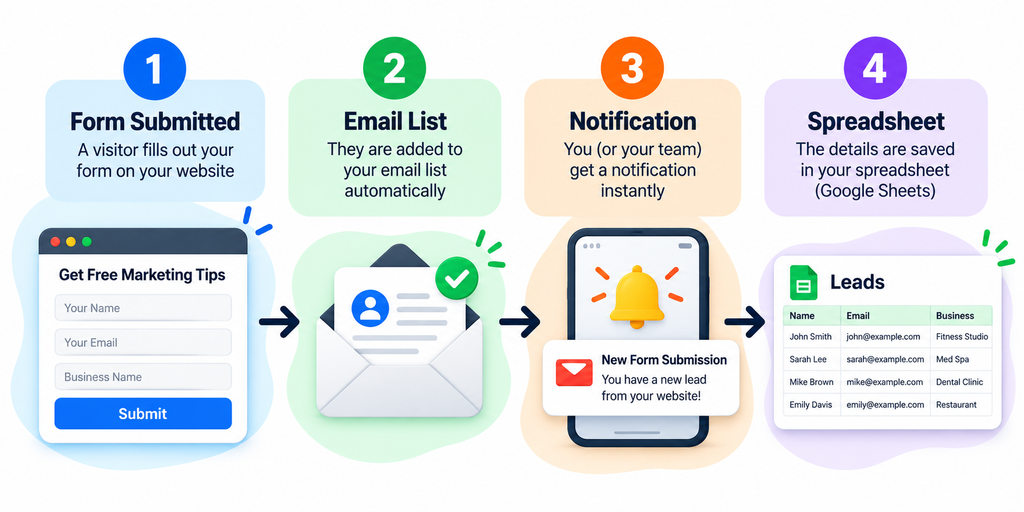
Tools like Zapier and Make connect your apps so they pass information to each other. A new form submission can add a contact to your email list, notify you in Slack and log a row in a spreadsheet, all without you lifting a finger.
Time saved: Of all the marketing tools that save time, this category often saves the most, because it removes repetitive admin completely.
5. AI Writing and Content Assistants
AI tools can create first drafts of emails, captions, product descriptions and outlines in seconds. The key is using them for the first draft only, then adding your own voice and facts. Used this way, they cut writing time sharply without making your brand sound generic.
Time saved: 3 to 6 hours per week on content creation.
6. Scheduling and Booking Tools
The back-and-forth of “Does Tuesday work?” is a quiet time killer. Calendly, Cal.com and similar tools let leads book calls directly, with reminders sent automatically. That also reduces no-shows.
Time saved: 1 to 2 hours per week, plus better conversion from lead to call.
7. One-Page Reporting Tools
Instead of logging into five analytics platforms, build one simple report. Google Looker Studio can pull your website, social and email numbers into a single page that updates itself. Check it once a week and move on.
Time saved: 1 to 3 hours per week, and clearer decisions.
How to Audit Your Current Tools in 30 Minutes
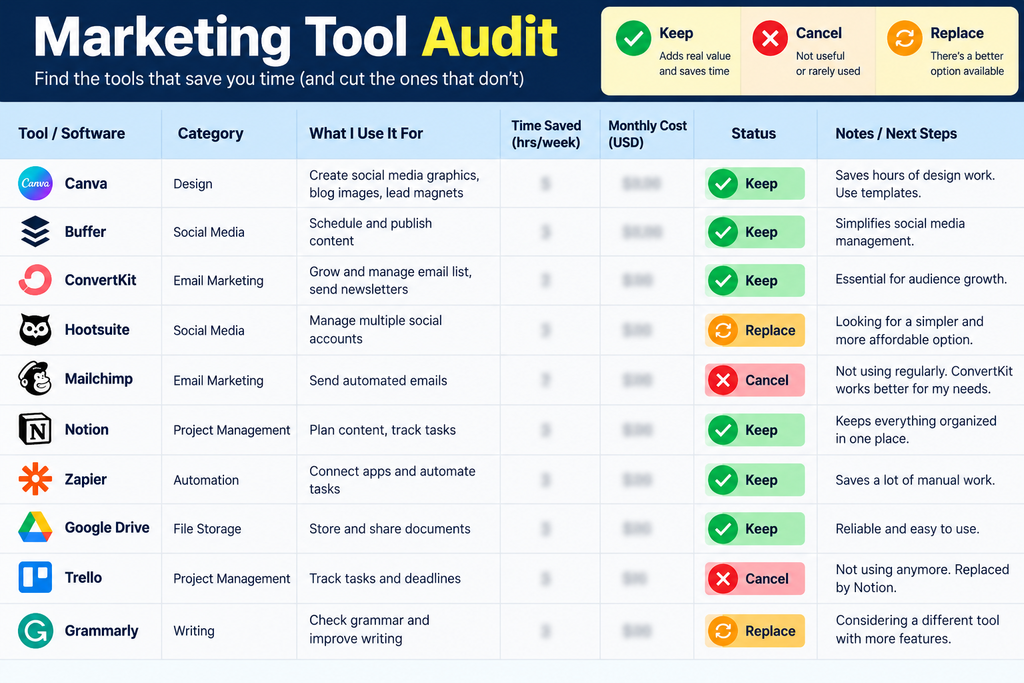
Before adding any new marketing tools that save time, look at what you already pay for. Open a spreadsheet and list every marketing tool you use. Next to each one, write down three things: what it costs, how often you open it, and which task it removes from your week.
Anything you haven’t opened in a month, or that only shows data without saving you effort, is a candidate to cancel. Then look at the gaps. Where are you still doing the same task by hand every week? That is where a new tool, or an automation, belongs.
If you want a ready-made starting point, the SmallBiz AI Checklist walks you through where AI and automation can take repetitive work off your plate, so you can decide what to automate first instead of guessing.
A Simple Stack of Marketing Tools That Save Time for Small Businesses
You don’t need all seven categories on day one. A lean setup might look like this:
- One scheduler for social media
- One email platform with automation
- One design tool with brand templates
- One automation tool to connect them
- One AI assistant for first drafts
- One simple weekly report
Start with the task that annoys you most. Fix that first. Add the next tool only when the first one is running smoothly. This keeps your stack small and your week free.

Common Mistakes When Choosing Marketing Tools That Save Time
- Buying annual plans too early. Test on a monthly plan first.
- Automating a broken process. Fix the process, then automate it.
- Chasing every new tool. New does not mean better for your business.
- Ignoring setup time. A tool is only a time saver after it’s set up properly.
- Tracking everything. Pick two or three numbers that matter, and ignore the rest.
Final Thoughts
The best marketing tools that save time share one trait: they quietly do the work so you can focus on customers, products and growth. If a tool adds another dashboard to check, another login to remember or another report to read, it’s costing you more than it gives back.
Audit what you have, pick one repetitive task, and automate it this week. Then repeat. Small, steady wins add up to a lighter workload and better marketing. For a practical way to decide what to automate first, grab the SmallBiz AI Checklist and work through it step by step.