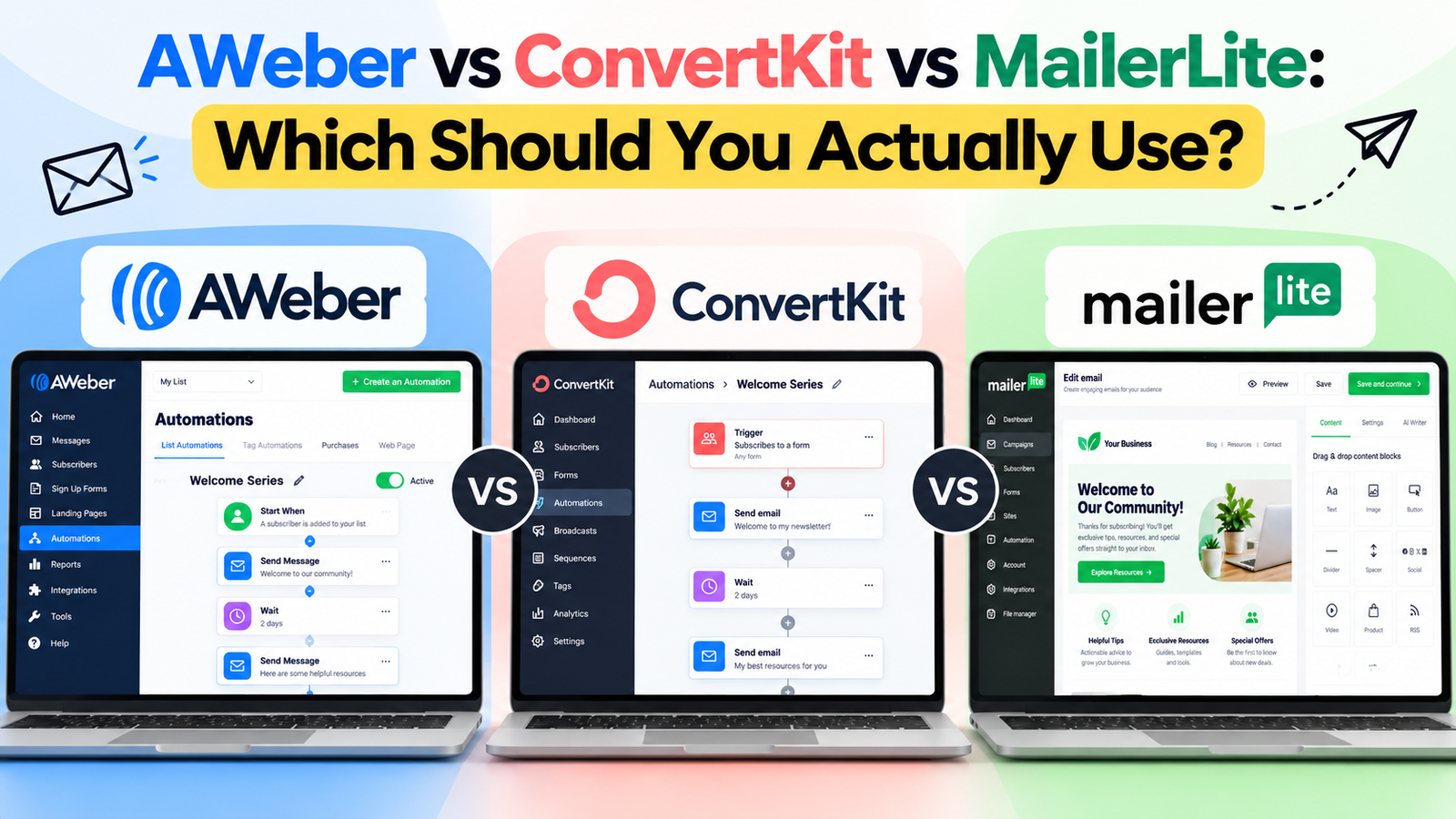
If you’ve been comparing AWeber vs ConvertKit vs MailerLite and still aren’t sure which one deserves your money, you’re not alone. All three show up on every “best email marketing tool” list, all three have free plans, and all three claim to be the easiest option for small businesses. The real differences only show up once you look at who each tool is actually built for.
This AWeber vs ConvertKit vs MailerLite guide breaks down what each platform does well, where it falls short, and which one fits your specific situation — whether you’re running a brick-and-mortar business, a content-driven blog, or an online store.
Table of Contents
The Quick Answer
If you want the short version before diving in:
- Choose AWeber if you want a reliable, no-frills tool with strong customer support and you’re not chasing the newest features.
- Choose ConvertKit (now called Kit) if you’re a blogger, course creator, or coach who sells digital products and wants strong automation without a steep learning curve.
- Choose MailerLite if you’re just starting out, watching every dollar, and want the most generous free plan with a clean, modern interface.
Now let’s look at why.
AWeber: The Reliable Veteran
AWeber has been around for over 25 years, and it shows — in both good and bad ways. It’s one of the most established email marketing platforms for small businesses, and its customer support is consistently rated among the best in the industry.
What AWeber does well:
- Free plan available for up to 500 subscribers
- Built-in AI tools to help write subject lines and email copy
- Strong deliverability and a long track record
- Live phone and chat support, which is rare at this price point
- Landing page builder and Canva integration included
Where it falls short:
- The interface feels dated compared to ConvertKit or MailerLite
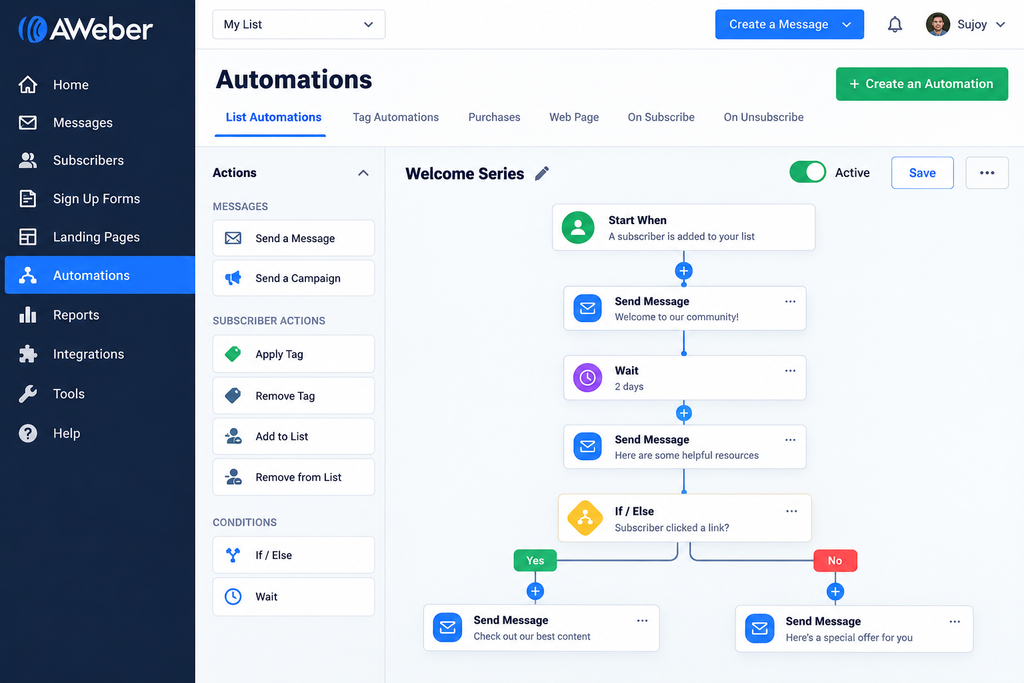
- Automation builder is less intuitive once your workflows get complex
- Pricing climbs quickly as your list grows (up to roughly $1,188/month at 100K subscribers)
Best for: Small business owners who want dependable support over flashy design, and who aren’t planning complex automated funnels.
ConvertKit (Kit): Built for Creators and Coaches
ConvertKit rebranded to simply “Kit” in 2025, but most people still search for it by its original name — so you’ll see both used here. It was built specifically for creators: bloggers, coaches, authors, and anyone selling digital products or online courses.
What Kit does well:
- Free for up to 10,000 subscribers, which is generous for a creator-focused tool
- Visual automation builder that’s genuinely easy to use
- Built-in ability to sell digital products and accept paid newsletter subscriptions
- Clean tagging and segmentation system that doesn’t require a learning curve
- Strong reputation among bloggers and online educators
Where it falls short:
- No phone support, and live chat response times can be slow on lower plans
- Fewer pre-built landing page and email templates than some competitors
- Can get pricey fast once you cross a few thousand subscribers (up to around $2,299/month at 400K)
Best for: Bloggers, course creators, and coaches who want to combine email marketing with selling something directly through their list.
MailerLite: The Budget-Friendly Starter Pick
MailerLite has built its reputation on being the most affordable, no-nonsense option without feeling stripped down. It’s a favorite among new businesses and solopreneurs who need solid features without a big monthly bill.
What MailerLite does well:
- One of the most generous free plans in the industry (1,000 subscribers, 12,000 emails/month)
- Paid plans start as low as $9/month, undercutting both AWeber and Kit at every tier
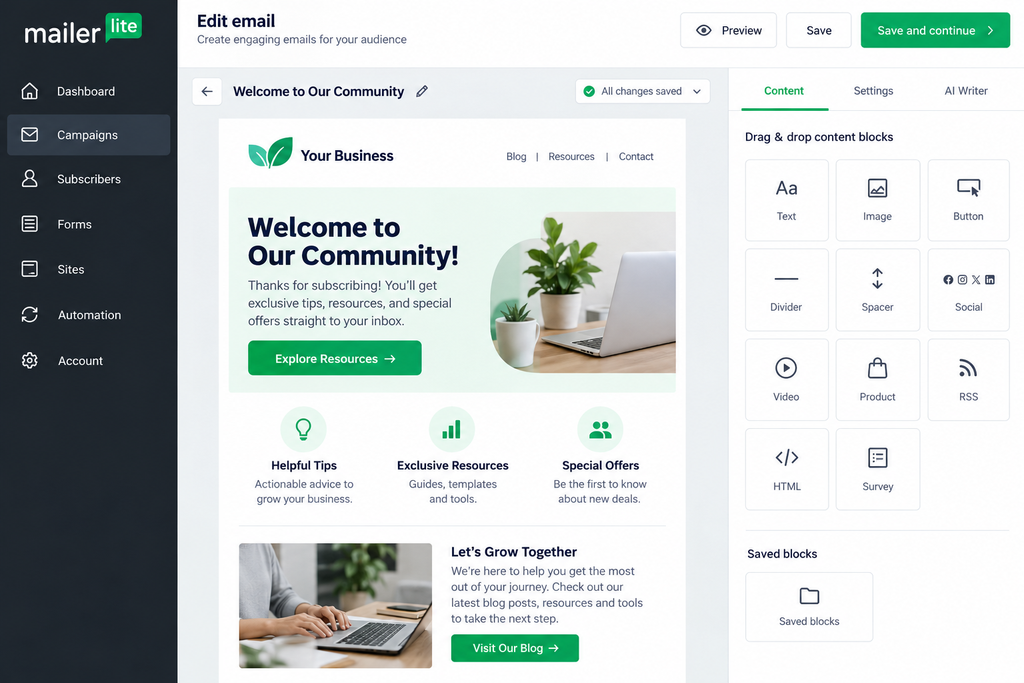
- Drag-and-drop editor is simple and modern
- Includes website and landing page builder on free and paid plans
- Good automation features for the price point
Where it falls short:
- Customer support is slower than AWeber’s, especially on the free plan
- Fewer advanced segmentation options for larger, complex lists
- Not built with selling digital products in mind the way Kit is
Best for: New businesses, solopreneurs, and anyone who wants to keep costs low while they grow their list.
AWeber vs ConvertKit vs MailerLite: Head-to-Head
Pricing
In the AWeber vs ConvertKit vs MailerLite price race, MailerLite wins at nearly every subscriber tier. AWeber’s free plan is the smallest of the three (500 subscribers), while Kit’s free plan (10,000 subscribers) is the most generous — but only if you don’t need Kit’s paid-only automation features.
Ease of Use
Kit and MailerLite both have more modern, intuitive interfaces than AWeber. If you’ve never used email marketing software before, either of these will feel less intimidating to set up.
Automation
Kit’s visual automation builder is the most flexible for creators building multi-step funnels. AWeber’s automation works but feels clunkier for complex sequences. MailerLite sits in the middle — solid for straightforward automations, not built for anything highly advanced.
Support
AWeber is the clear winner here, with live phone support that neither Kit nor MailerLite offers. If you want to talk to a real person when something breaks, this matters more than it sounds.
Selling Digital Products
Kit is purpose-built for this. If your plan includes selling an ebook, course, or paid newsletter, Kit will save you from needing a separate platform.

Which One Should You Actually Use?
Here’s how to decide based on where your business actually is right now:
If you’re under 1,000 subscribers and just getting started — go with MailerLite. The free plan will carry you further than AWeber’s, and you won’t overpay for features you’re not using yet.
If you’re a creator, blogger, or coach planning to sell something to your list — go with Kit. The automation and built-in selling tools will save you from switching platforms later.
If you run a local or service-based business and just want email that works without surprises — go with AWeber. The support alone is worth it when you’re not a tech person and don’t want to troubleshoot alone.
Whichever tool you choose from the AWeber vs ConvertKit vs MailerLite shortlist, the platform is only half the equation. The other half is knowing what to automate in your business, so your email marketing doesn’t become one more task eating up your week.
That’s exactly the gap the SmallBiz AI Checklist is built for — it walks small business owners through where AI and automation tools (including email platforms like these three) can realistically save time, without the overwhelm of trying to automate everything at once. It’s a useful next step once your email tool is set up and you’re ready to tighten up the rest of your workflow.
Final Thoughts
There’s no single “best” answer in the AWeber vs ConvertKit vs MailerLite debate — there’s only the best fit for where your business is today. Start with the tool that matches your budget and your goals, not the one with the flashiest feature list. You can always migrate later as your list and your needs grow.