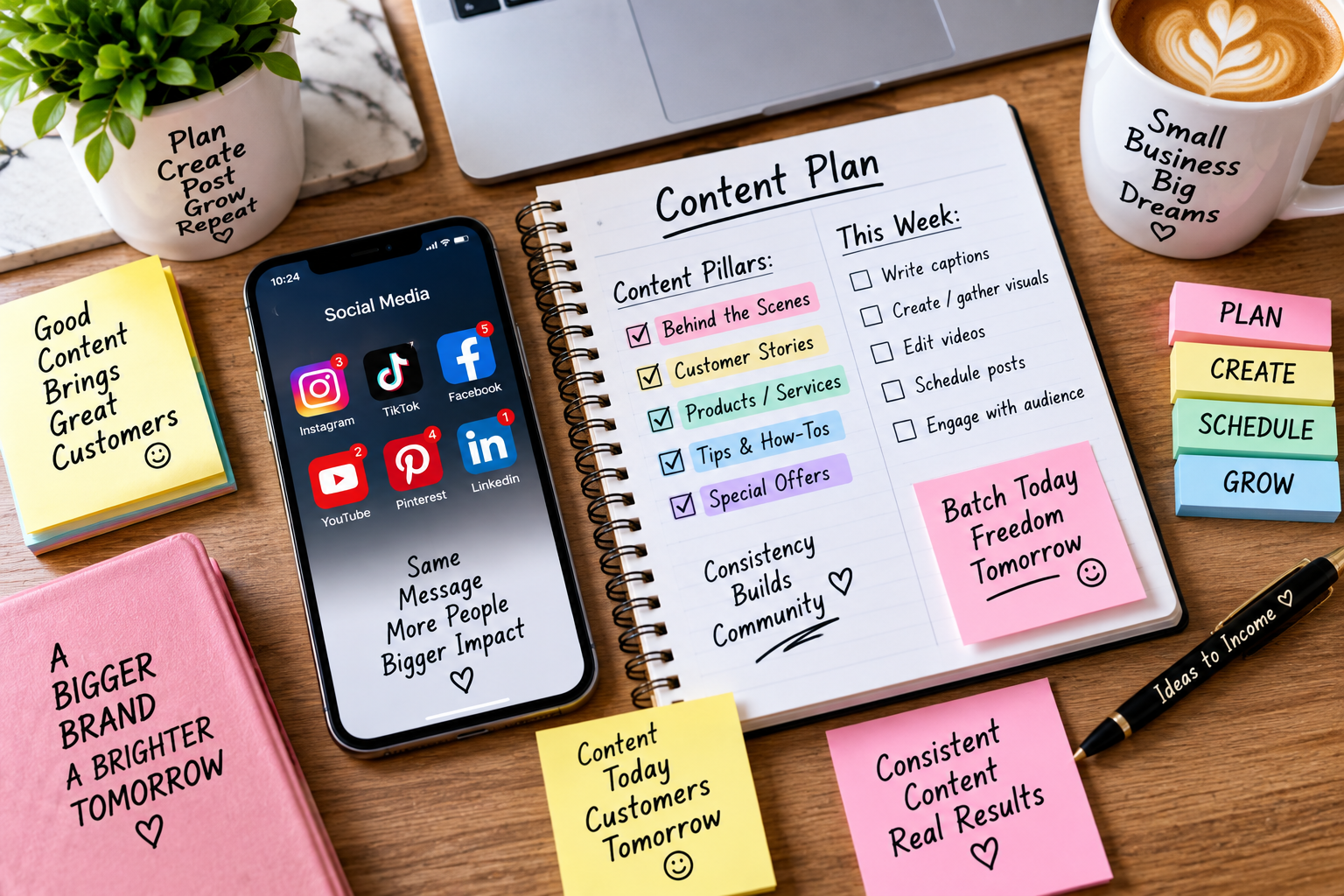
Social media content batching is the single habit that separates business owners who post consistently from those who scramble for a caption every morning. If you’ve ever stared at a blank Instagram caption box at 9 p.m. wondering what to post, batching is the fix — and it’s easier to set up than most people think.
Table of Contents
What Is Social Media Content Batching?
Content batching means separating the creation of your posts from the publishing of them. Instead of writing one caption, finding one image, and posting it every single day, you sit down once a week (or once a month) and produce everything at the same time — captions, graphics, hashtags, and the schedule.
Think of it like meal prepping, but for your social feed. You do the work in one focused block, then your content goes out automatically for days or weeks while you focus on the rest of your business.
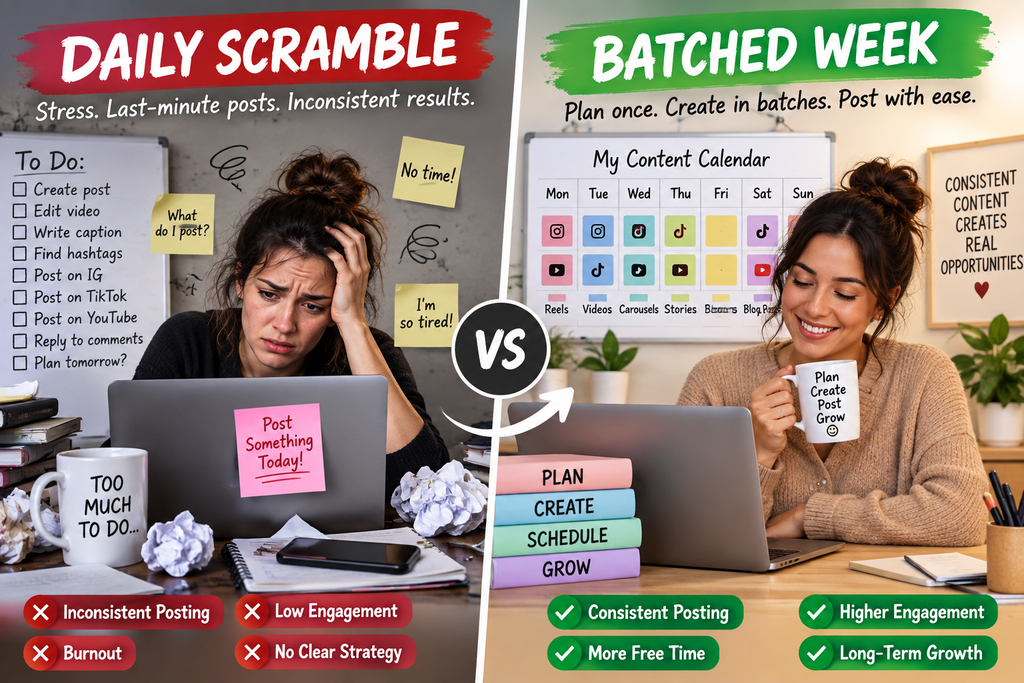
Why Small Business Owners Burn Out Without It
Posting “in the moment” feels manageable at first, but it adds up fast:
- Every ad-hoc post pulls you out of whatever else you were doing — and switching tasks constantly costs more time than people realize.
- Deciding what to post today is a small decision, but small daily decisions pile up into real decision fatigue by the end of the week.
- Inconsistent posting (skipping days when things get busy) hurts reach on most platforms’ algorithms.
- Scrambling for content in the moment usually means rushed captions and rushed visuals — and it shows.
A content batching workflow removes the daily decision entirely. You already know what’s going out and when, so social media stops being something you have to think about every single day.
The 4-Step Content Batching Workflow
You don’t need fancy software to start. A simple four-step workflow works for almost any small business.
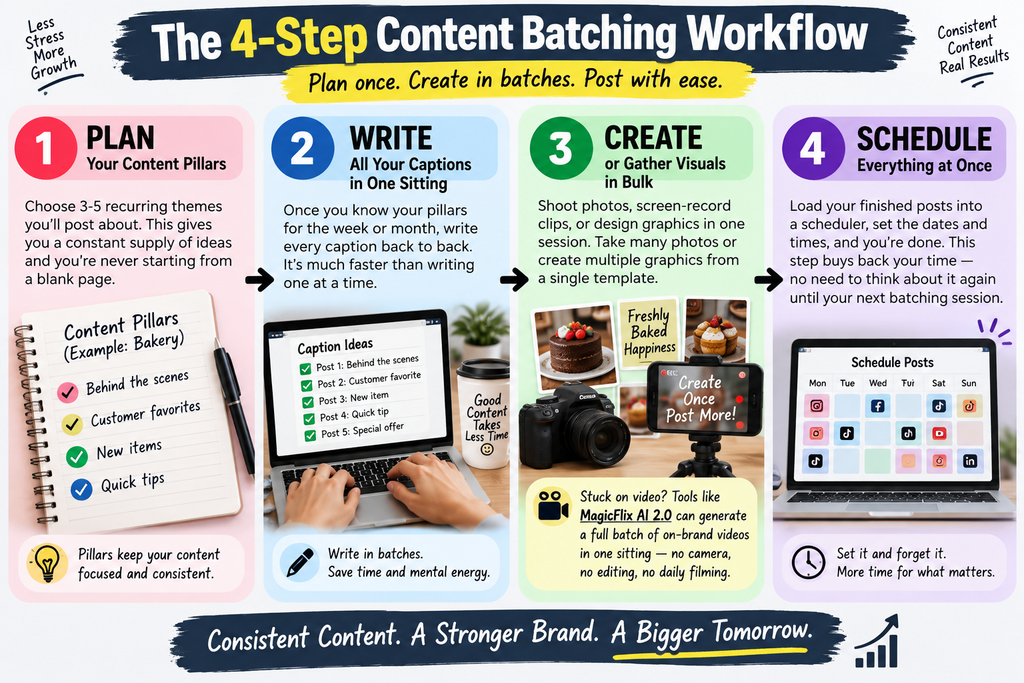
1. Plan your content pillars Content pillars are 3-5 recurring themes you post about. A bakery, for example, might rotate between “behind the scenes,” “customer favorites,” “new items,” and “quick tips.” Pillars mean you’re never starting from a blank page — you always have a bucket of ideas to pull from.
2. Write all your captions in one sitting Once you know your pillars for the week or month, write every caption back to back. Writing five captions around the same theme in a row is far faster than writing five unrelated ones spread across five separate days.
3. Create or gather visuals in bulk Shoot photos, screen-record clips, or design graphics in one session too. If you’re taking product photos, take twenty in one sitting instead of four separate trips. If you’re designing graphics, build them from a single template so the whole batch looks consistent.
Video is usually the step that stalls a batching session, since filming yourself on camera every day isn’t realistic for most small business owners. If that’s your bottleneck, a faceless AI video tool like MagicFlix AI 2.0 can generate a full batch of on-brand video clips in one sitting — no camera, no editing software, no daily filming required — so video doesn’t become the reason your batching session falls apart.
4. Schedule everything at once Load the finished posts into a scheduler and set the dates and times. This is the step that actually buys back your time — once it’s scheduled, you don’t have to think about it again until your next batching session.
How Often Should You Batch Content?
There’s no single right answer — it depends on your bandwidth and how fast-moving your niche is:
- Weekly batching works well if you’re just getting started or your content needs to react to current events.
- Biweekly batching is the sweet spot for most small businesses — enough lead time to feel ahead, without the content going stale.
- Monthly batching suits evergreen content (tips, testimonials, educational posts) that isn’t tied to specific dates.
A good starting point: try a two-week batch first. It’s long enough to feel the time savings, but short enough to adjust quickly if something isn’t working.
Common Content Batching Mistakes to Avoid
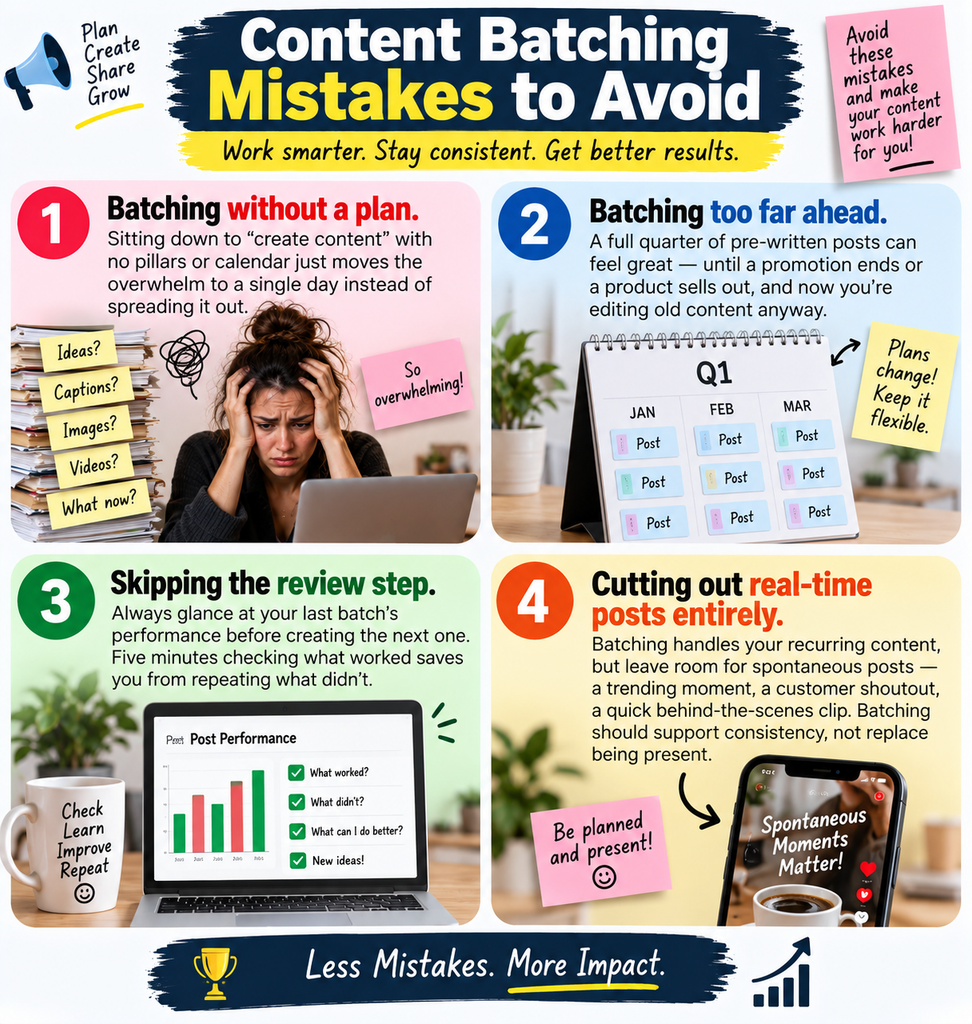
- Batching without a plan. Sitting down to “create content” with no pillars or calendar just moves the overwhelm to a single day instead of spreading it out.
- Batching too far ahead. A full quarter of pre-written posts can feel great — until a promotion ends or a product sells out, and now you’re editing old content anyway.
- Skipping the review step. Always glance at your last batch’s performance before creating the next one. Five minutes checking what worked saves you from repeating what didn’t.
- Cutting out real-time posts entirely. Batching handles your recurring content, but leave room for spontaneous posts — a trending moment, a customer shoutout, a quick behind-the-scenes clip. Batching should support consistency, not replace being present.
Setting Up Your First Batching Session
Block off two to three hours and treat it like a client meeting — no interruptions. Bring:
- Your content pillars (or last week’s post ideas as a starting point)
- Any product photos, testimonials, or behind-the-scenes footage you’ve already collected
- A note of important dates (sales, holidays, launches) for the period you’re batching
- Your scheduling tool of choice, whether that’s a platform’s native scheduler or a third-party app
Work through captions first, then visuals, then load everything into your scheduler last. Trying to do all three steps at once for every single post is what makes content creation feel exhausting — separating them is what actually makes batching save time.

FAQ: Social Media Content Batching
How far in advance should I batch social media content? Most small businesses do best batching one to four weeks at a time. Anything much longer risks feeling out of date by the time it publishes.
Does content batching hurt engagement since it’s not “in the moment”? No — batched posts still publish at the times you choose, and most audiences can’t tell the difference. What hurts engagement is inconsistency, which batching actually prevents.
What’s the difference between content batching and scheduling? Scheduling is just setting a future publish time for a post. Batching is the process of creating multiple posts at once — scheduling is simply the last step in a batching workflow.
Can content batching work for a one-person business? Yes — it’s arguably most valuable for solo business owners, since it’s the difference between social media taking a few focused hours every two weeks versus a few scattered minutes (or a missed post) every single day.
The Bottom Line
Social media content batching won’t make posting effortless overnight, but it will stop it from eating into every day of your week. Set aside a few focused hours, work from content pillars, and separate creation from publishing — and consistent posting stops being a source of burnout and becomes one less thing on your plate.