Ready Client Sites Review: What’s Inside the Starter and Full Packages
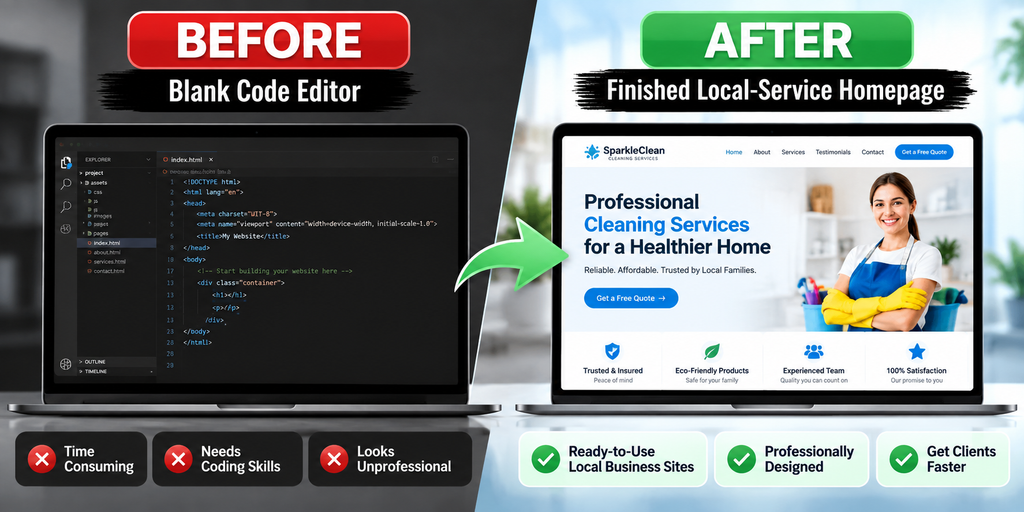
If you’re reading this Ready Client Sites review because you’re sick of opening a blank code editor every time a new client signs on, you already know the real cost of “starting from scratch.” It’s not just the hours — it’s the mental drag of rebuilding the same navigation bar, the same services grid, the same contact form, and the same mobile breakpoints for the tenth time this year, before you’ve even touched the part of the project your client is actually paying you for.
That blank-page problem is exactly what Ready Client Sites is built to remove. Below is a full breakdown of what it actually is, what’s inside the Starter and Full packages, who it genuinely fits, and — just as important — who should walk away from this one.
Table of Contents
The Blank-Page Problem Freelancers and Agencies Know Too Well
Every freelance web builder and small agency runs into the same wall on repeat: a new client wants a “simple” website, but “simple” still means planning the sitemap, wireframing sections, writing placeholder copy, coding responsive layouts, and testing on mobile — all before a single piece of real branding goes in.
Do that for one client and it’s manageable. Do it for your fifth plumbing company or third cleaning service this quarter, and it’s a margin killer. You’re rebuilding the same skeleton — hero section, services list, testimonials, a quote-request form — over and over, and charging for “custom design” time that’s really just repetitive setup.
This is the gap that ready-made website foundations (not full drag-and-drop builders and not finished sites) are meant to close.
What Is Ready Client Sites?
Ready Client Sites is a ClickBank-listed collection of pre-built, editable website foundations aimed specifically at freelancers, small agencies, and website sellers who deliver sites to paying clients. Rather than handing you a drag-and-drop template inside a builder like Wix or Squarespace, it gives you the actual source files for a set of already-designed, already-structured business websites — built as Node.js applications, not WordPress themes.
The idea is straightforward: pick the niche site that’s closest to what your client needs, swap in their branding, copy, images, and contact details, then deploy it. You’re not designing a layout from zero; you’re customizing one that already works.
Buyers choose between two one-time packages:
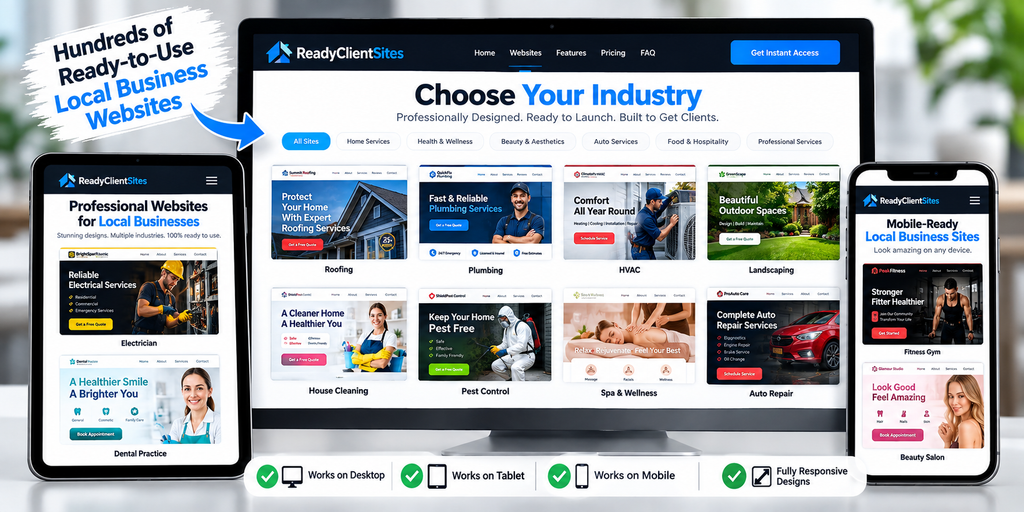
- Starter Collection — $97 for 5 complete, editable business websites
- Full Collection — $247 for all 15 complete, editable business websites
Both are single ClickBank purchases with no recurring subscription.
Starter ($97, 5 Sites) vs. Full ($247, 15 Sites): Which One to Buy
The Starter Collection ($97) includes 5 niche websites:
- AC Maintenance
- Cleaning Services
- Plumbing Services
- Landscaping Services
- Photo Booth Rental
It’s the right entry point if you already have a narrow niche focus (say, you only take on home-services clients), or if you just want to test whether the Node.js workflow suits you before spending more.
The Full Collection ($247) includes all 15 websites — the 5 above plus:
- Electrician
- Pest Control
- Painting Services
- Moving Services
- Car Detailing
- Handyman
- Roofing Services
- Beauty Salon & Spa
- Real Estate Agency
- Catering Services
The extra $150 buys you 10 more niches, which matters if you take on varied local-business clients or want to show prospects a demo that already matches their exact industry (a big trust-builder when you’re pitching a roofing company and can hand them a live roofing demo, not a generic mockup). It also carries every Starter benefit plus future product updates.

Practical way to decide: if your client pipeline is genuinely limited to one or two of the five Starter niches for the foreseeable future, the $97 tier is the more sensible spend. If you’re actively pitching different types of local businesses, or plan to resell “website setup” as an ongoing service, the $247 Full Collection pays for itself faster — one extra client project in a niche the Starter tier doesn’t cover already closes the price gap.
What’s Actually Included: Sites, Members Portal, Guides, and Commercial-Use Rights
Here’s what you get with either package, based on the current official listing:
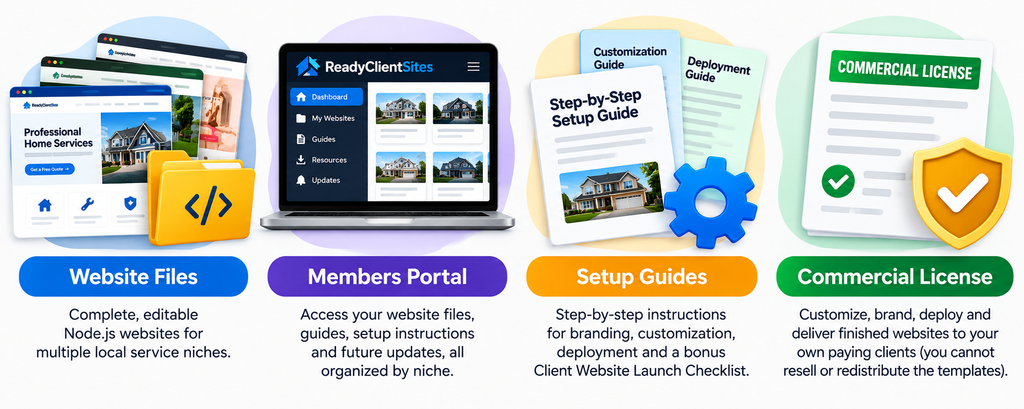
Website packages. Each niche site is a complete, editable Node.js application — not a static mockup. For example, the AC Maintenance demo ships under the brand name “ComfortFlow,” giving you a working example of how the branding layer sits on top of the shared structure.
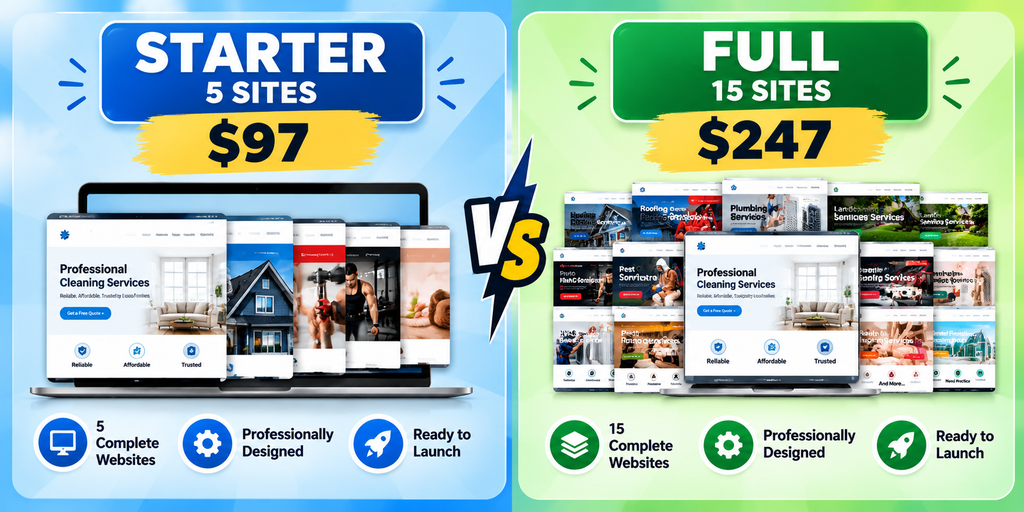
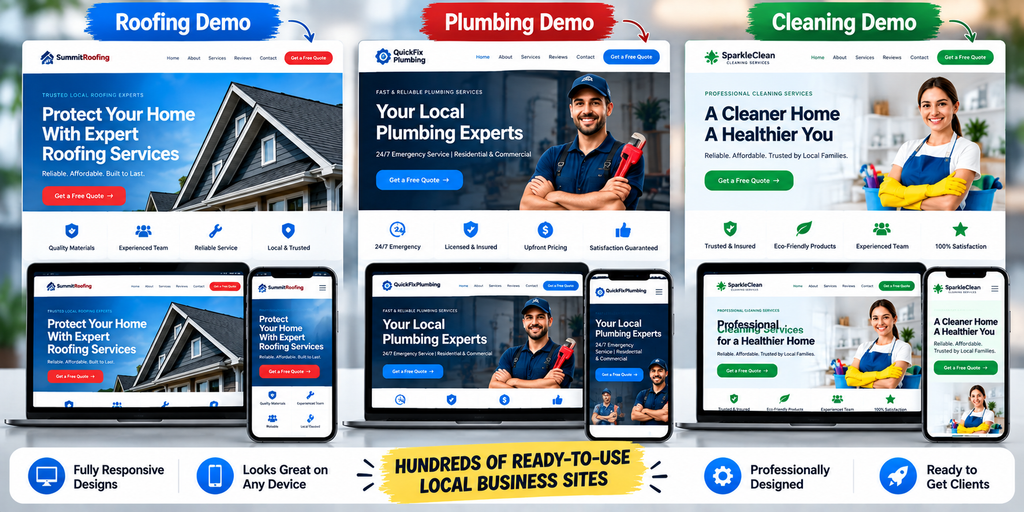
Expect each site to follow a familiar local-service layout pattern: a hero/intro section, a services or offerings section, an about/trust section, a gallery or testimonials area, and a contact or quote-request form, all built responsively for desktop, tablet, and mobile.
Members portal. This is the closest thing to “admin controls” in this product — it’s not a live front-end dashboard for editing content by clicking on a page. It’s a members-area hub where you access your downloadable website files, setup/customization guides, deployment instructions, and future resource updates, all organized by niche instead of dumped in one folder.
Guides. You get step-by-step customization guidance (branding, colors, copy, images, services, contact details) and deployment guidance for getting a finished site live. There’s also a free, separate Client Website Launch Checklist covering four project stages — setup, customization, testing, and handover — that’s useful even outside this product.
Commercial-use license. This is the detail worth reading twice before you buy. You can customize, brand, deploy, and deliver finished websites to your own paying clients. You cannot resell, share, sublicense, or redistribute the raw, unmodified template/source packages themselves. In plain terms: sell finished client work all day, but don’t turn around and sell the templates as templates.
See It Before You Buy: Live Demos
Unlike review pages that just reuse the seller’s own screenshots, it’s worth actually clicking through a few live demos yourself before deciding between Starter and Full:
- AC Maintenance (“ComfortFlow”)
- Cleaning Services
- Plumbing Services
- Landscaping Services
- Photo Booth Rental
- Electrician (Full Collection only)
- Roofing Services (Full Collection only)
- Real Estate Agency (Full Collection only)
Open two or three of these on your phone as well as your desktop — since the mobile layout is exactly what your future clients’ customers will actually use.
Who Ready Client Sites Is Really For (and Who Should Skip It)
It’s a good fit if you:
- Already take on (or want to pitch) local-service clients — home services, beauty, real estate, events, and similar categories
- Have at least basic comfort deploying a Node.js app, or are willing to follow a guide to learn
- Want to stop billing “design from scratch” time for structurally similar client sites
- Prefer a one-time cost over a recurring subscription tool
It’s probably not for you if:
- You want a true no-code, drag-and-drop editing experience — this isn’t that
- You only work in WordPress and have no interest in a VPS/Docker-based Node.js workflow
- Your clients need niches well outside the 15 covered (medical, legal, e-commerce, SaaS, etc.)
- You’re hoping the purchase itself brings you clients or income — it doesn’t (more on that below)
Important: What Ready Client Sites Does Not Include
This is the section a lot of competing reviews gloss over, so it deserves to be stated plainly:
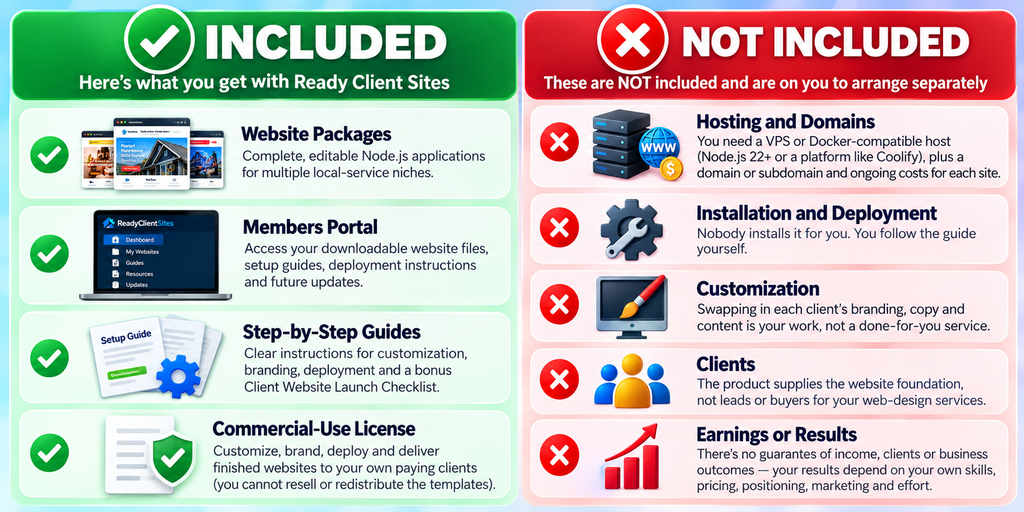
Ready Client Sites is a self-install digital product. Your purchase gets you the downloadable website files, the members-portal resources, and written step-by-step instructions — that’s it. The following are explicitly not included and are on you to arrange separately:
- Hosting and domains. These are Node.js applications, not WordPress themes, so standard shared or WordPress-only hosting won’t run them. You need a VPS or Docker-compatible host (Node.js 22+, or a platform like Coolify), plus a domain or subdomain and persistent storage for every live client site — each carrying its own ongoing cost.
- Installation and deployment. You follow the guide yourself; nobody installs it for you.
- Customization. Swapping in each client’s branding, copy, and content is your work, not a done-for-you service.
- Clients. The product supplies the website foundation, not leads or buyers for your web-design services.
- Earnings or results. There’s no guarantee of income, clients, or business outcomes — your results depend on your own skills, pricing, positioning, marketing, and effort.
If you’re not comfortable with (or ready to learn) basic VPS/Node.js deployment, budget that learning curve — or the cost of hiring it out — into your decision before you buy either tier.
Final Verdict
Ready Client Sites does one job well: it removes the blank-page start of local-service website projects for freelancers and small agencies. The commercial-use license is genuinely useful for anyone billing clients for finished sites, the one-time pricing avoids the subscription creep of builder platforms, and having 15 real, live-viewable niche demos beats guessing from static screenshots.
The honest trade-off is the tech stack: Node.js/VPS deployment is not beginner-friendly the way a WordPress theme or a Wix template is, and there’s no drag-and-drop editor. If you’re comfortable following a technical guide (or willing to learn), the Starter Collection at $97 is a low-risk way to test the workflow on your next one or two client projects, and the Full Collection at $247 is the better buy the moment your client niches diversify beyond the five Starter categories.
Liked what you saw in the demos above?
Get instant access to Ready Client Sites → and start customizing your first client site today.
FAQ
Is Ready Client Sites Review-worthy for total beginners?
It suits beginners willing to follow a technical setup guide. It’s not suited to anyone wanting a no-code, point-and-click experience only.
Starter or Full — which should I actually buy?
Starter if your niche focus is narrow and matches its 5 categories; Full if you serve varied local-business clients or want the broader demo library to pitch prospects.
Does it include hosting?
No. You’ll need your own VPS or Docker-compatible hosting (Node.js 22+) and a domain for every live site.
Can I resell the templates themselves?
No. The commercial-use license covers delivering finished, customized client websites — not reselling or redistributing the raw source files.
Will this guarantee me clients or income?
No. It’s a website-foundation product. Results depend entirely on your own marketing, pricing, and effort.