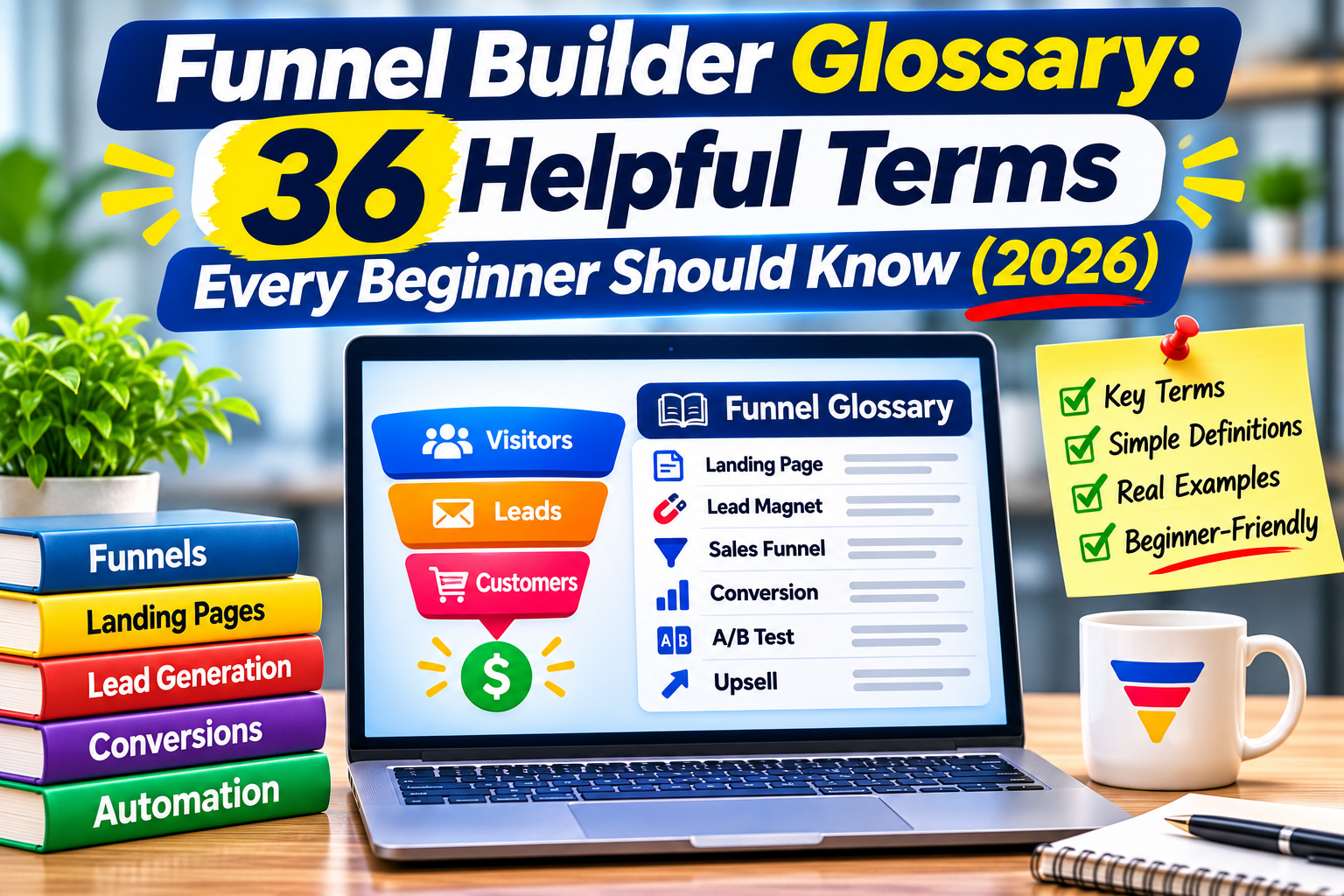
This funnel builder glossary explains the 36 terms every beginner runs into when building a sales funnel, in plain English. If words like tripwire, order bump or squeeze page sound confusing, you are not alone. Funnel jargon can feel like a foreign language at first, but each term is simple once you see what it does.
Use this funnel builder glossary as a reference. Skim the sections below, or jump straight to the term you need. Each definition is short and includes an example where it helps. If you are also deciding which tool to use, you may want to read what I would tell someone starting ClickFunnels from zero in 2026 after this. If you use ClickFunnels, its official glossary also covers platform-specific terms.
Table of Contents
Funnel Basics Every Beginner Should Know
Start here. These seven terms from our funnel builder glossary explain what a funnel is and how people move through it.
Sales Funnel
A sales funnel is the path a person follows from first hearing about you to becoming a paying customer. It is called a funnel because many people enter at the top, and fewer move through each step toward a purchase.
Funnel Builder
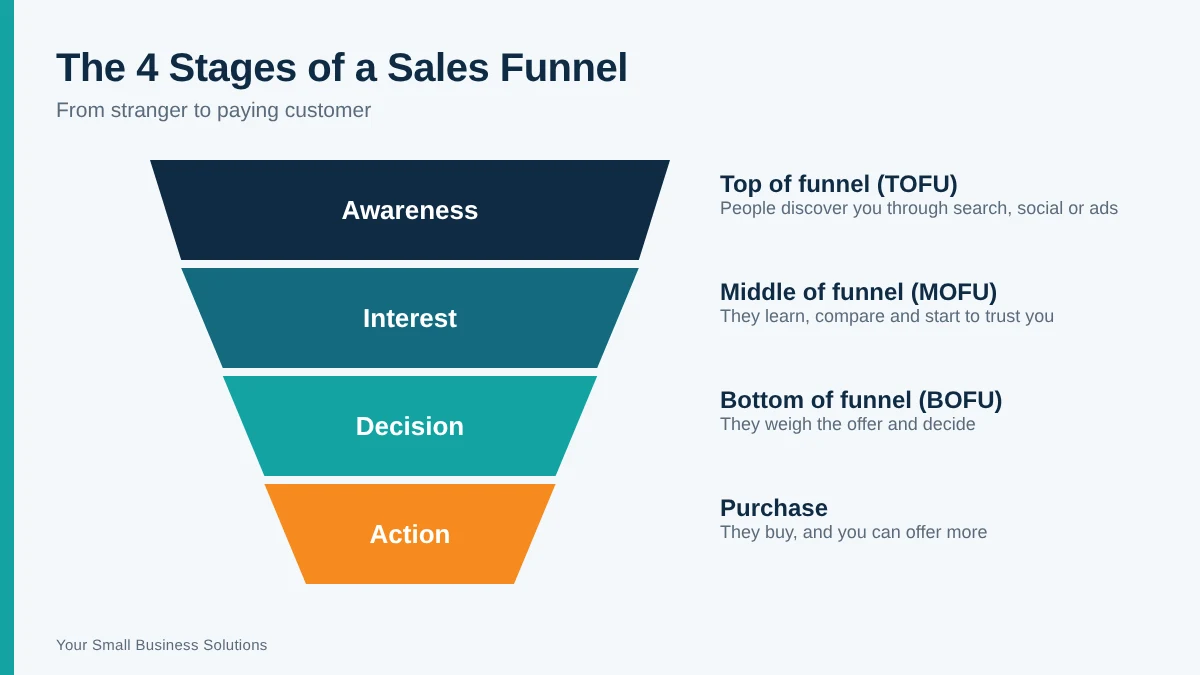
A funnel builder is software that lets you create funnel pages, forms, checkouts and automations without writing code. ClickFunnels is one of the best-known examples, with drag-and-drop page editing, ready-made templates and built-in email tools. If you want to test one yourself, you can start the ClickFunnels 3-month trial here.
Funnel Stages (Top, Middle and Bottom of Funnel)
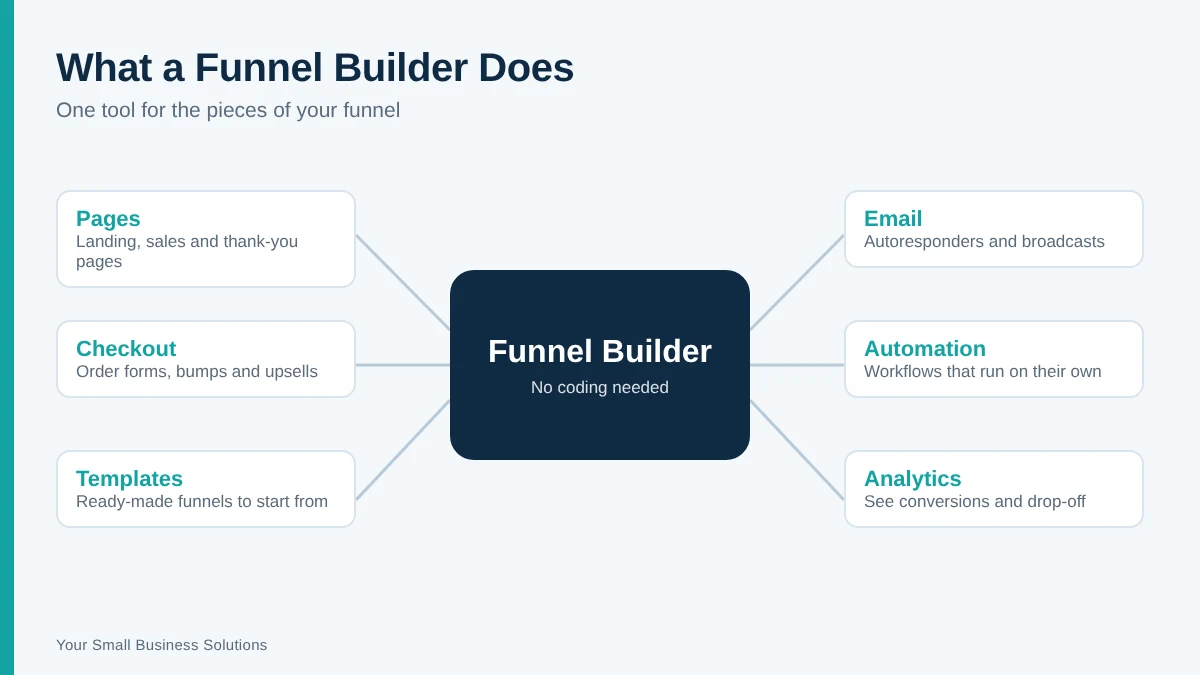
Most funnels have three stages. The top (TOFU) is where people first discover you. The middle (MOFU) is where they compare options and learn to trust you. The bottom (BOFU) is where they decide to buy. Each stage needs different content and a different type of page.
Traffic
Traffic is the number of people who visit your funnel. It can come from free sources like search and social media, or from paid ads. A funnel with no traffic cannot convert anyone, so traffic and funnel design go hand in hand.
Lead
A lead is a person who has shown interest by sharing their contact details, usually an email address. Leads are not customers yet, but they are people you can follow up with.
Call to Action (CTA)
A call to action is the button or line of text that tells visitors what to do next, such as “Download the Guide” or “Buy Now.” Every page in your funnel should have one clear CTA.
Conversion Rate
Conversion rate is the percentage of visitors who take the action you want. If 100 people visit a page and 5 sign up, the conversion rate is 5%. It is the main number most funnel builders help you improve.

Funnel Page Types Explained
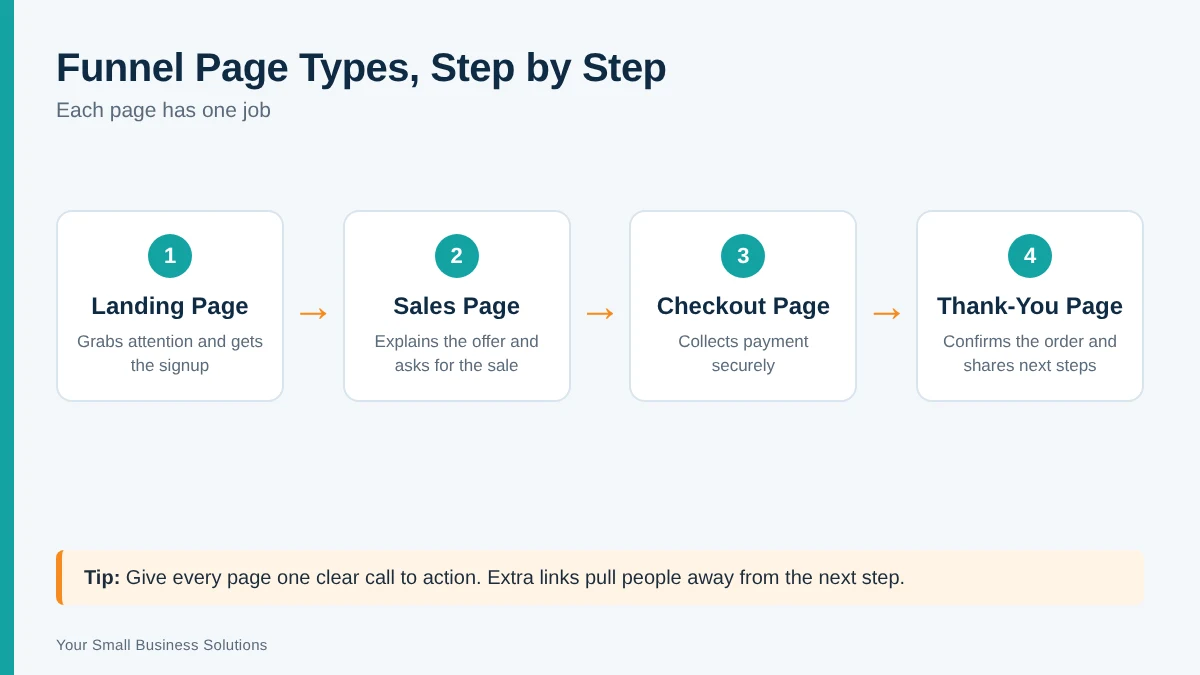
This section of the funnel builder glossary covers the page types you will see most often. A funnel is a series of pages, and each page has one job.
Landing Page
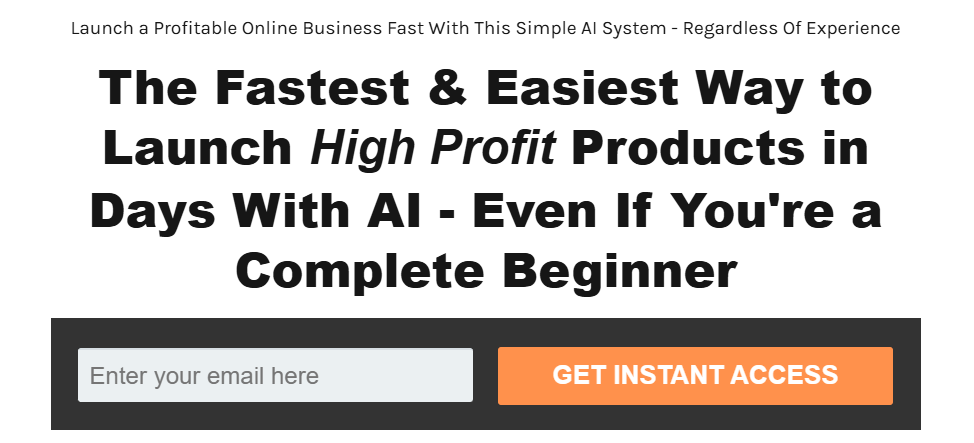
A landing page is a standalone page built for one goal, such as getting a signup or a sale. It has no menu or sidebar, so visitors are not distracted by other links.
Squeeze Page
A squeeze page is a very simple landing page with one purpose: to collect an email address. The difference between a landing page and a squeeze page is focus. A landing page can sell, explain or collect leads, while a squeeze page only collects leads.
Opt-In Page
An opt-in page is any page where a visitor “opts in” by giving permission to be contacted, usually in exchange for a free resource. Squeeze pages are one type of opt-in page.
Sales Page
A sales page explains an offer in detail and asks the visitor to buy. It usually includes benefits, proof such as testimonials, pricing and a strong call to action.
Order Form / Checkout Page
This is the page where the customer enters payment details. A simple, trustworthy checkout page matters because many buyers leave at this step.
Thank-You Page
A thank-you page appears after someone signs up or buys. It confirms the action, tells them what happens next, and is a good place to make a follow-up offer.
Webinar Registration Page
A webinar registration page collects signups for a live or recorded training. Webinar funnels are popular for higher-priced offers because the training builds trust before the pitch.
Offer and Pricing Terms
This part of the funnel builder glossary covers what you sell and how you present it inside a funnel.
Lead Magnet
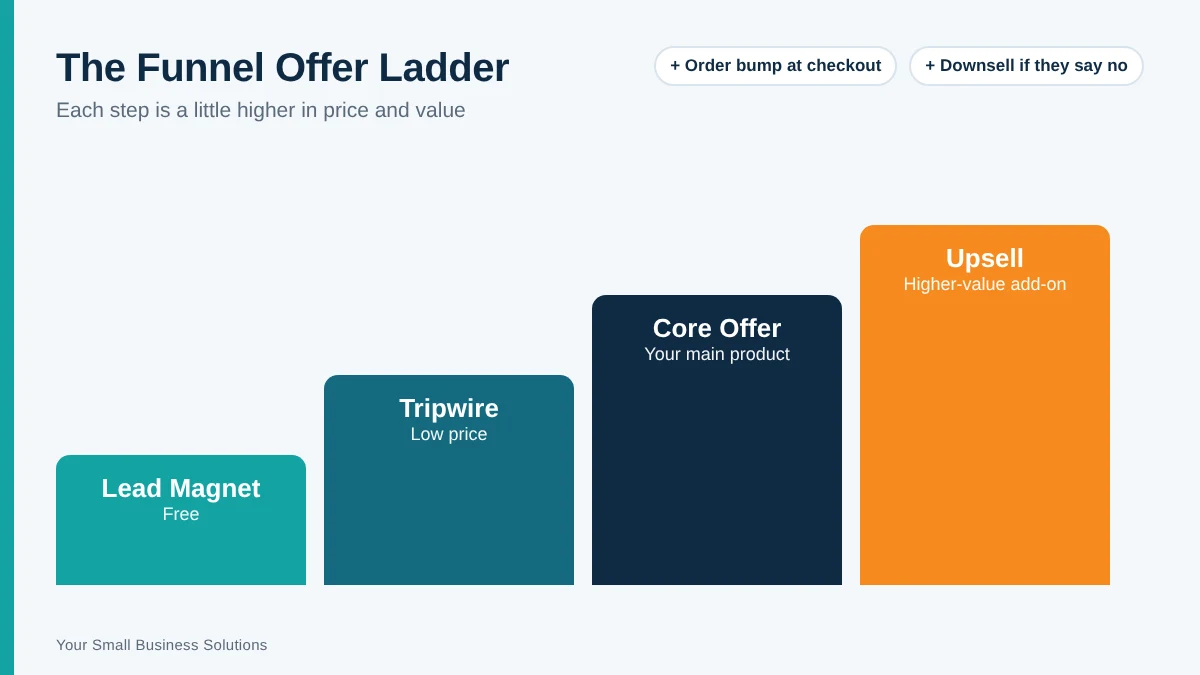
A lead magnet is a free resource, such as a checklist, template or mini-guide, that you give away in exchange for an email address. It is the most common way to start a funnel.
Tripwire
A tripwire is a low-priced offer, often under $20, shown right after someone joins your list. The goal is to turn a lead into a buyer quickly. The difference between a lead magnet and a tripwire is that a lead magnet is free and a tripwire is paid.
Order Bump
An order bump is a small add-on offered on the checkout page, usually a single checkbox. For example, a customer buying an ebook might add a bonus checklist for a few extra dollars before paying.
Upsell
An upsell is an offer shown after the main purchase that is a bigger or better version of what the customer just bought. It is usually a one-click add that does not require re-entering payment details.
Downsell
A downsell is a cheaper alternative shown when a customer declines an upsell. It gives people a second chance to buy without leaving empty-handed. In the upsell vs downsell comparison, the upsell goes up in value and the downsell steps down.
One-Time Offer (OTO)
A one-time offer is a special deal shown only once during the funnel, often right after checkout. It creates urgency because the price or bonus is not available later.
Core Offer
Your core offer is the main product or service your funnel is built to sell. Everything else, such as the lead magnet, order bump and upsell, supports it.
Average Order Value (AOV)
Average order value is the average amount a customer spends per purchase. Order bumps and upsells are the easiest ways to raise it without needing more traffic.
Tech and Automation Terms
The tech terms in this funnel builder glossary are the behind-the-scenes pieces that keep a funnel running while you work on other things.
Autoresponder / Email Sequence
An autoresponder sends a series of pre-written emails automatically after someone joins your list. A welcome sequence might deliver the lead magnet, share a helpful tip, then present your offer.
Workflow (Automation)
A workflow is a set of automatic actions triggered by something a person does. For example, when someone buys, a workflow can tag them as a customer, send a receipt and stop sales emails.
Payment Gateway
A payment gateway is the service that securely processes card payments on your checkout page. Stripe and PayPal are common examples.
Custom Domain
A custom domain lets your funnel run on your own web address, such as offers.yourbusiness.com, instead of the funnel builder’s default address. It looks more professional and builds trust.
Integration and Webhook
An integration connects your funnel builder to another tool, such as your email service. A webhook is one way that connection works: it sends data to another app automatically when something happens, like a new signup.
Tracking Pixel
A tracking pixel is a small piece of code, such as the Meta or Google pixel, that records visitor actions on your pages. It lets you measure results and show ads to people who visited.
UTM Parameters
UTM parameters are short tags added to a link so you can see exactly where each visitor came from, such as a specific email, ad or social post.
Split Testing (A/B Testing)
Split testing shows two versions of a page to different visitors to see which performs better. You change one thing at a time, such as the headline or button color, and keep the winner.

Funnel Metrics You Should Track
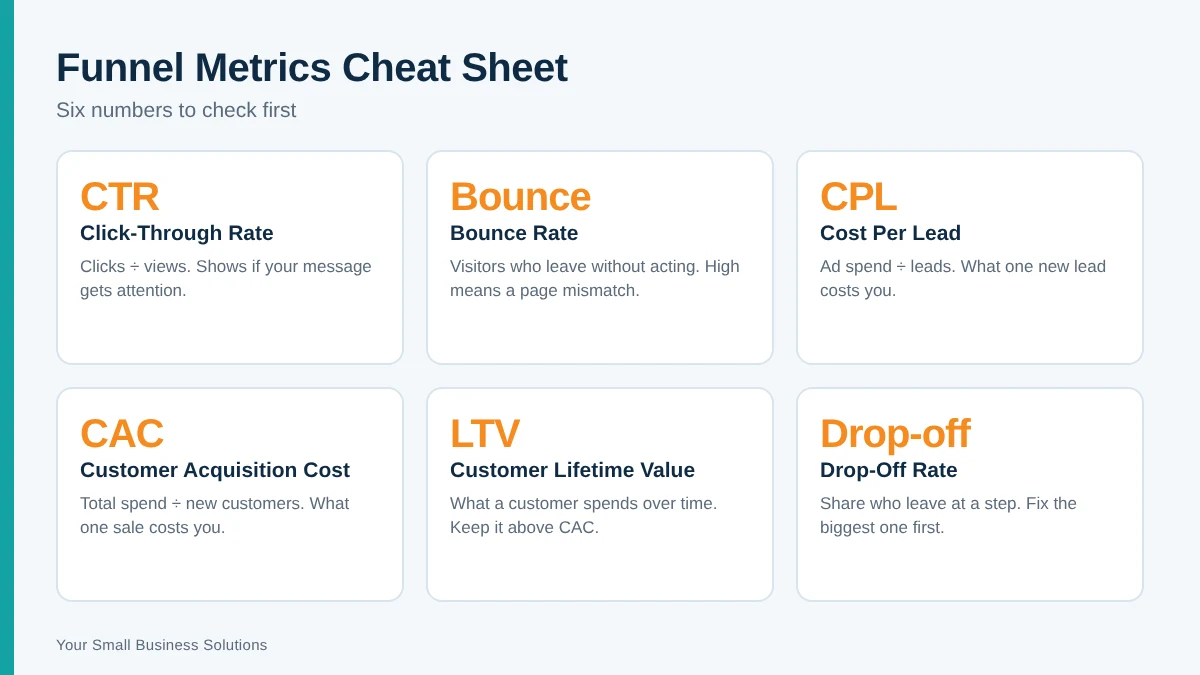
Numbers tell you where your funnel is working and where it is leaking. The last part of this funnel builder glossary covers the six metrics to start with.
Click-Through Rate (CTR)
Click-through rate is the percentage of people who click a link, ad or button after seeing it. A low CTR usually means the message or image needs work.
Bounce Rate
Bounce rate is the percentage of visitors who leave a page without doing anything. A high bounce rate on a landing page often points to a mismatch between the ad or link and the page.
Cost Per Lead (CPL)
Cost per lead is how much you spend, on average, to get one new lead. Divide your ad spend by the number of leads it produced.
Customer Acquisition Cost (CAC)
Customer acquisition cost is how much you spend to win one paying customer. It includes ads, tools and any other costs tied to making the sale.
Customer Lifetime Value (LTV)
Customer lifetime value is the total amount a customer is expected to spend with you over time. If LTV is higher than CAC, your funnel can grow profitably.
Drop-Off Rate
Drop-off rate is the percentage of people who leave at a particular step. Finding the step with the biggest drop-off shows you which page to fix first.
Putting the Terms Together: A Simple Funnel Example
Here is how the terms in this funnel builder glossary fit together in one basic funnel for a small business that sells a $27 planning guide:
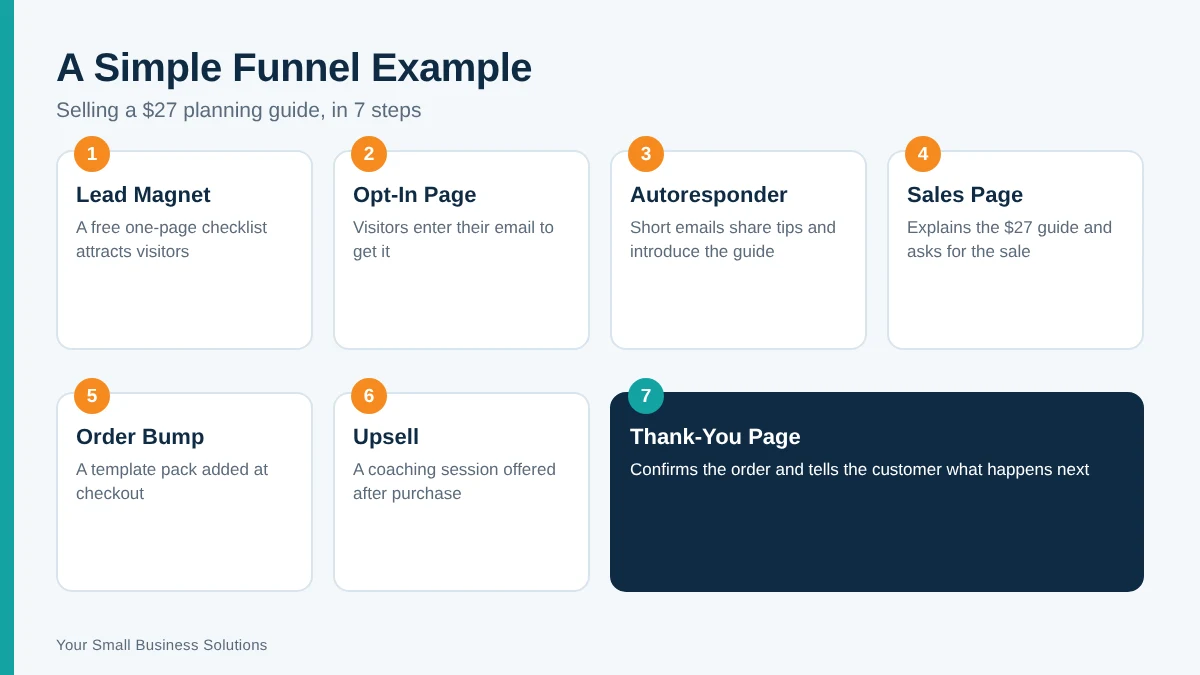
- Lead magnet: a free one-page checklist that attracts visitors.
- Opt-in page: a squeeze page where visitors enter their email to get the checklist.
- Autoresponder: a short email sequence that shares tips and introduces the guide.
- Sales page: explains the $27 planning guide and asks for the sale.
- Order bump: a small add-on, like a template pack, offered at checkout.
- Upsell: a higher-priced coaching session offered after the purchase.
- Thank-you page: confirms the order and tells the customer what happens next.
Once it is live, track your conversion rate, drop-off rate and cost per lead to see which step needs work. Start with the page that loses the most people and use the funnel builder glossary above to look up any step you are unsure about.
Frequently Asked Questions
What is a funnel builder glossary?
A funnel builder glossary is a plain-English list of the terms you meet when building funnels with software like ClickFunnels. It helps beginners understand pages, offers, automations and metrics before they start building.
What is the difference between a funnel and a website?
A website lets visitors browse many pages in any order. A funnel guides them through a set path toward one action. If you are unsure which you need, see our guide on whether you need a funnel builder or just a website.
What is the difference between an upsell and an order bump?
An order bump is a small add-on offered on the checkout page, before the customer pays. An upsell is a larger offer shown after the first purchase is complete.
Do I need a funnel builder to run a funnel?
No, but it makes things much easier. You can connect separate tools for pages, payments and email, but a funnel builder puts them in one place so beginners spend less time on setup.
How long does it take to learn funnel terminology?
Most beginners pick up the core terms in a few days of hands-on practice. Building a simple funnel with a lead magnet and a thank-you page is the fastest way to make the words stick. Keep this funnel builder glossary open while you build.
Final Thoughts and Next Step
You do not need to memorize this funnel builder glossary. Bookmark it and come back whenever a term trips you up, and share this funnel builder glossary with anyone on your team who is new to funnels. The best way to learn is to build a small funnel of your own: a lead magnet, an opt-in page and a thank-you page is enough to start.
If you want a funnel builder to practice with, you can try ClickFunnels with the 3-month trial and build your first funnel with templates, without any coding.