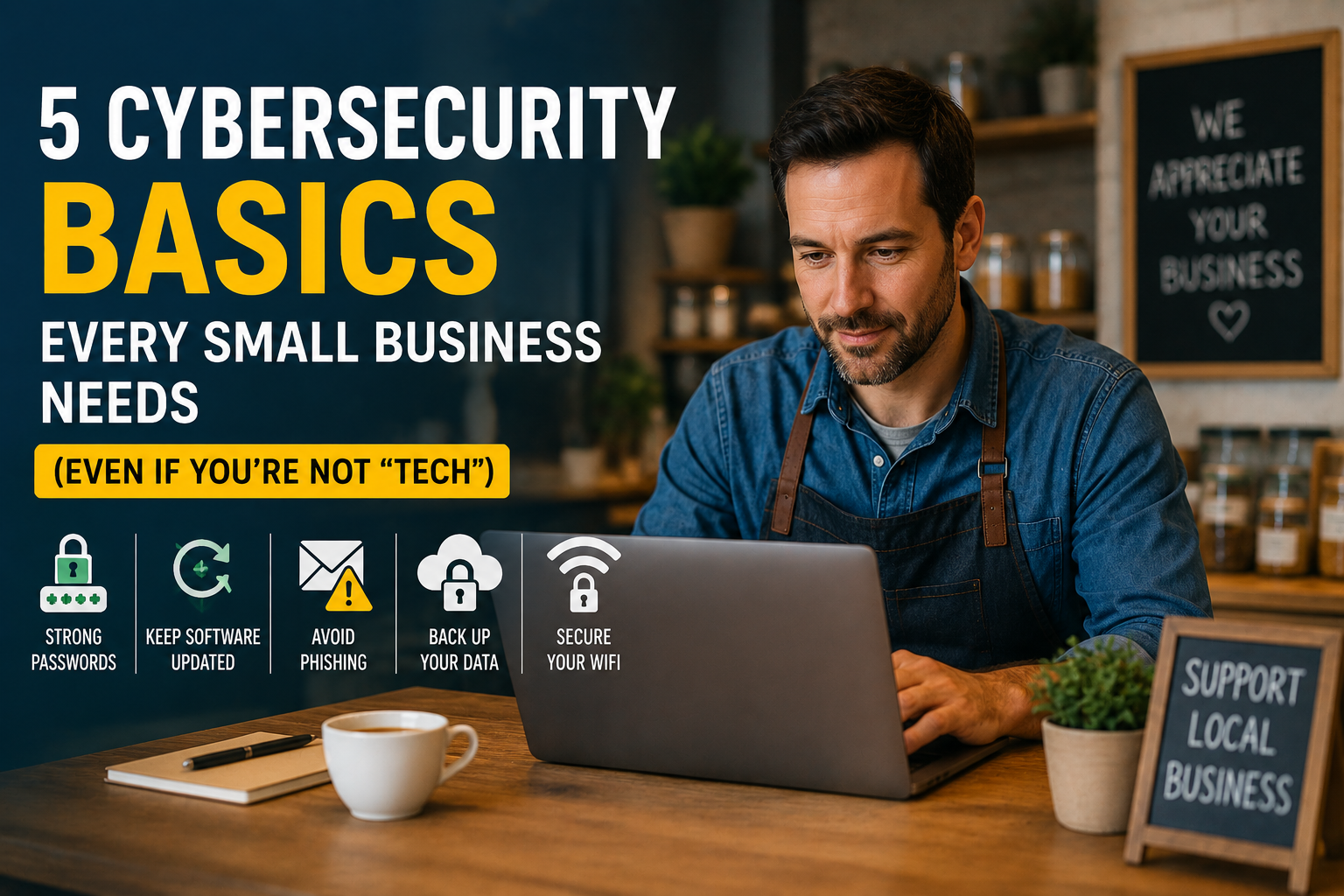
Cybersecurity for small business isn’t just something big companies with IT departments need to think about anymore. Hackers know that small businesses often have weaker defenses than large corporations, which makes them an easier target. If you run a small shop, a service business, or an online store, you’re on the list too — whether you feel “techy” or not.
The good news? You don’t need to be a computer expert or spend a fortune to protect your business. Most cybersecurity basics come down to a handful of simple habits. Here are five you can start using today.
Table of Contents
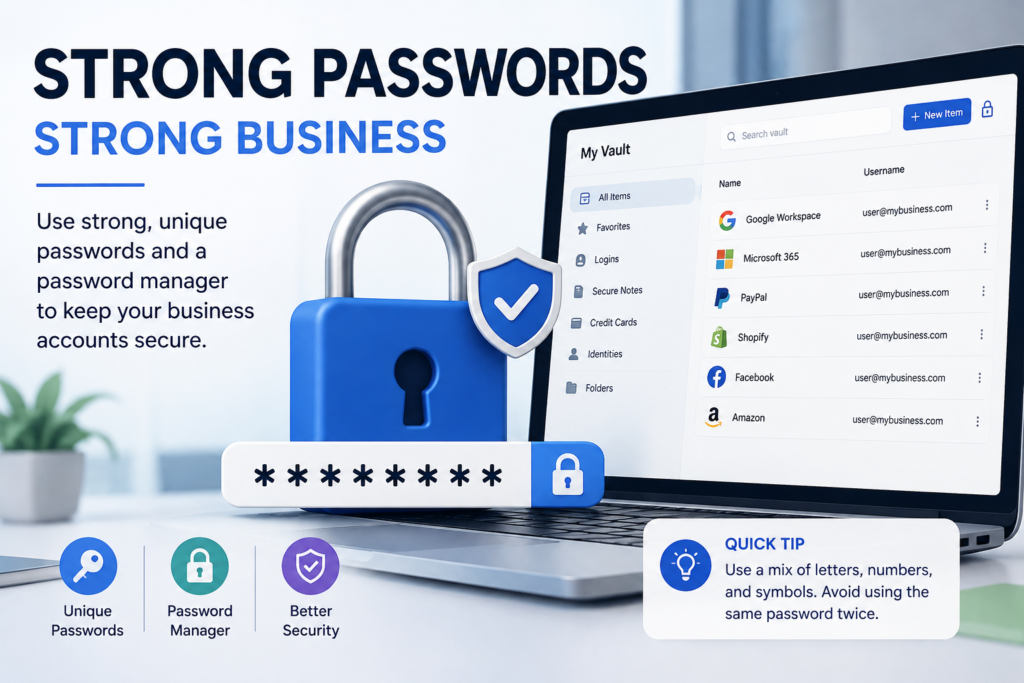
1. Use Strong, Unique Passwords for Every Account
Weak or reused passwords are one of the easiest ways for hackers to break into a business. If one account gets hacked and you use that same password everywhere, every other account is now at risk too.
- Use a different password for every account (email, banking, social media, point-of-sale system, etc.)
- Aim for at least 12 characters, mixing letters, numbers, and symbols
- Use a password manager (like Bitwarden or 1Password) so you don’t have to memorize dozens of passwords
- Turn on two-factor authentication (2FA) wherever it’s offered — it adds a second lock on the door even if your password gets stolen
2. Keep Your Software and Devices Updated
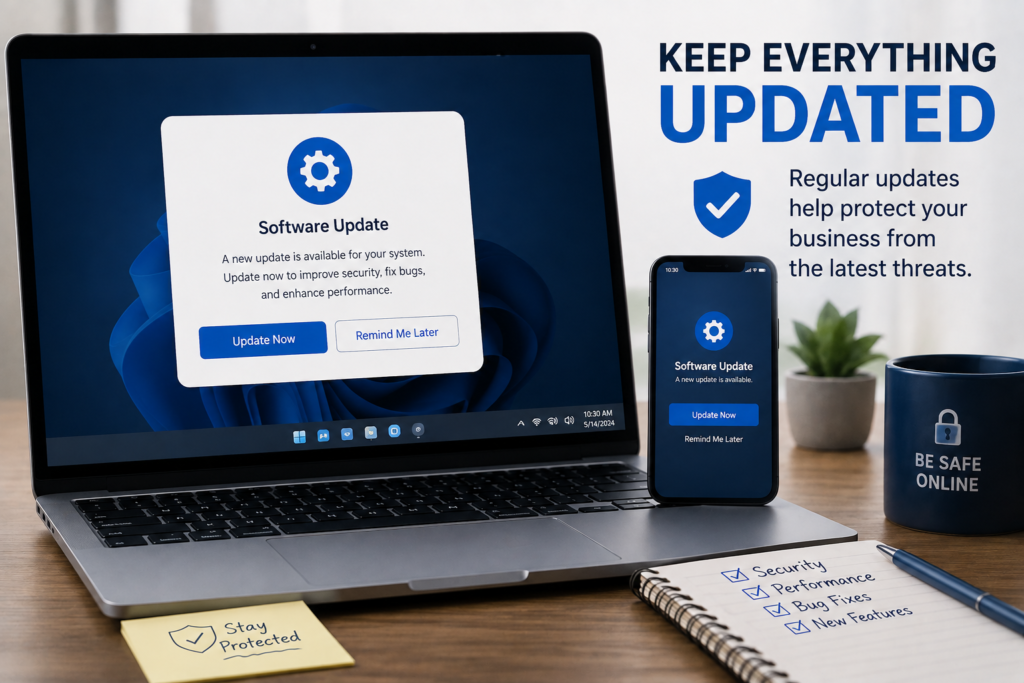
Those “update available” notifications aren’t just annoying pop-ups — they often include patches for security holes that hackers actively look for. Running outdated software is like leaving a window unlocked.
- Turn on automatic updates for your operating system, browser, and antivirus software
- Update point-of-sale systems, routers, and any connected devices, not just computers
- Retire old software or devices that no longer receive security updates
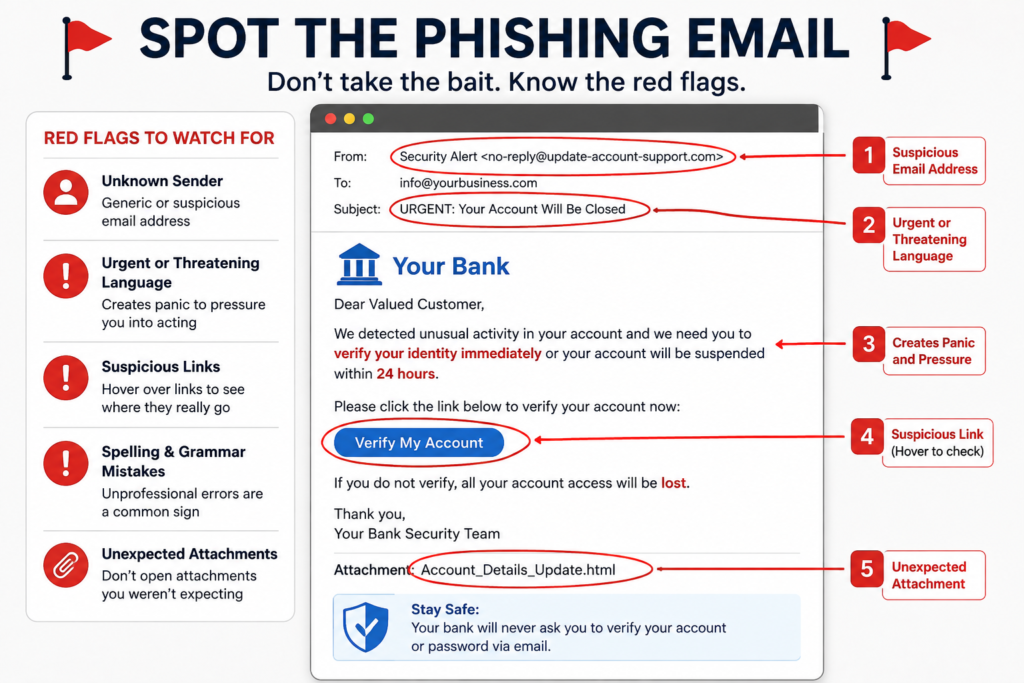
3. Train Your Team to Spot Phishing Emails
Most cyberattacks on small businesses don’t start with a sophisticated hack — they start with someone clicking the wrong email link. Phishing emails are designed to look like they’re from a real vendor, bank, or even your boss.
Teach your team (and yourself) to watch for:
- Urgent or threatening language (“Your account will be suspended!”)
- Requests to click a link or download an attachment unexpectedly
- Email addresses that look almost right, but not quite
- Requests for passwords, gift cards, or wire transfers “right away”
A quick rule of thumb: if an email feels off, don’t click — call the person or company directly to confirm before doing anything.
4. Back Up Your Data — And Actually Test the Backup
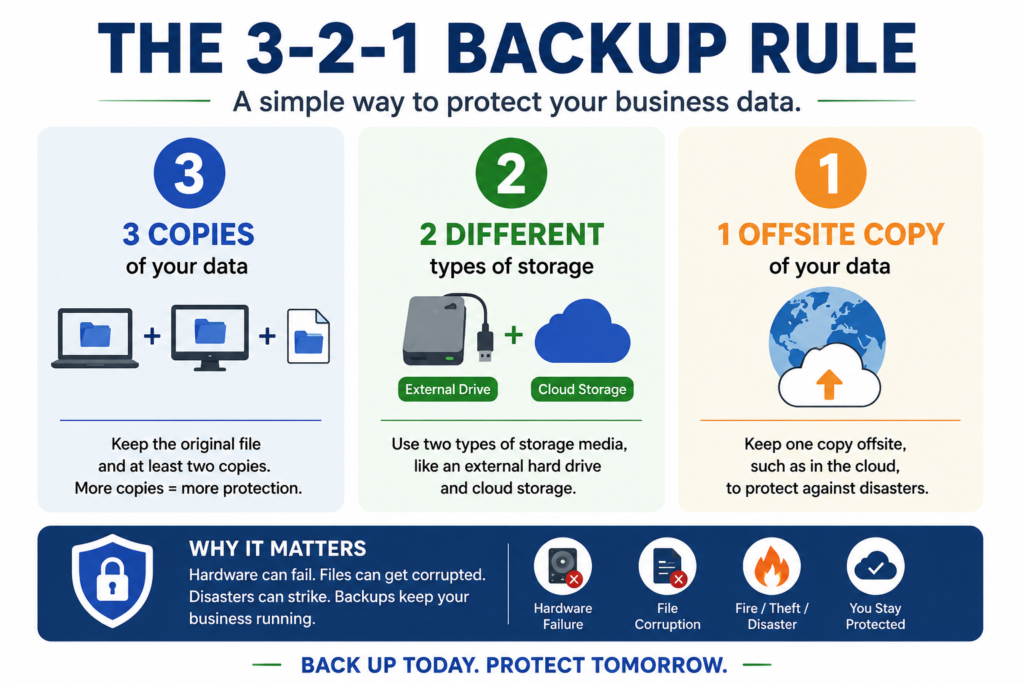
If ransomware locks up your files or your laptop is stolen tomorrow, would your business survive? A solid backup routine is one of the simplest ways to make sure the answer is yes.
- Follow the 3-2-1 rule: 3 copies of your data, on 2 different types of storage, with 1 copy stored offsite (like the cloud)
- Automate backups so they happen without you remembering to do it
- Test your backup every few months by actually restoring a file — a backup you can’t restore isn’t really a backup
5. Secure Your Wi-Fi and Business Devices
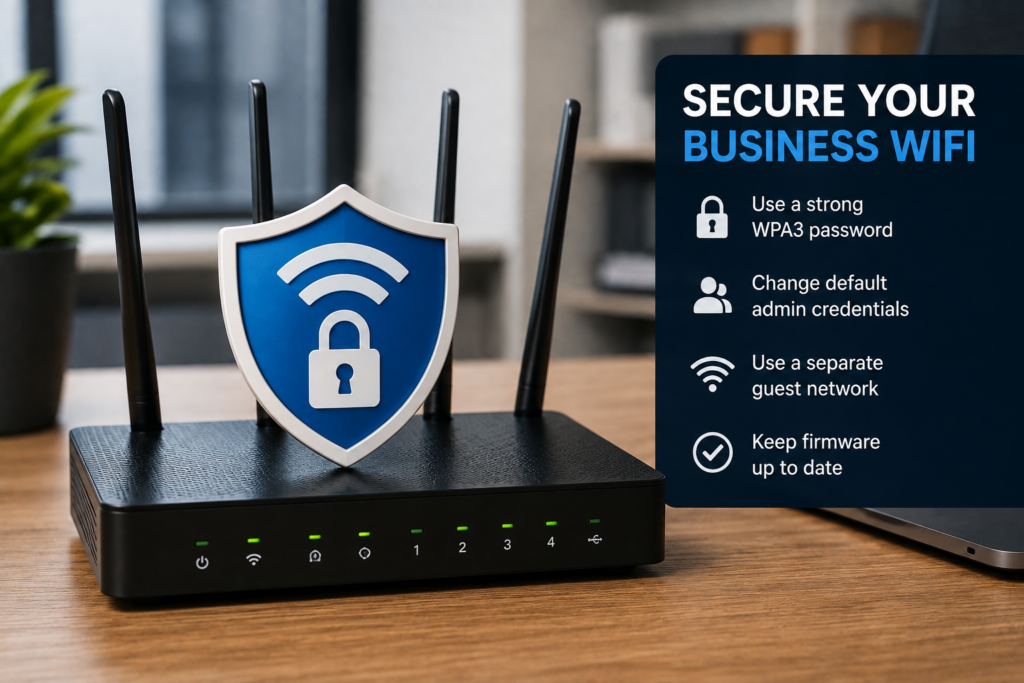
An unsecured Wi-Fi network is an open invitation. Anyone nearby could potentially access your network — and everything connected to it, including customer payment data.
- Change the default name and password on your router
- Use WPA3 (or at least WPA2) encryption on your Wi-Fi
- Set up a separate guest Wi-Fi network for customers, so they’re never on the same network as your business systems
- Lock devices with a PIN, password, or fingerprint, especially laptops and phones that leave the building
Cybersecurity for Small Business: The Bottom Line
Cybersecurity for small business doesn’t require a big budget or a background in tech. Strong passwords, regular updates, a bit of phishing awareness, reliable backups, and a secured network cover most of what a hacker is hoping you’ll skip. Start with one habit this week, then build from there — small, consistent steps add up to real protection.