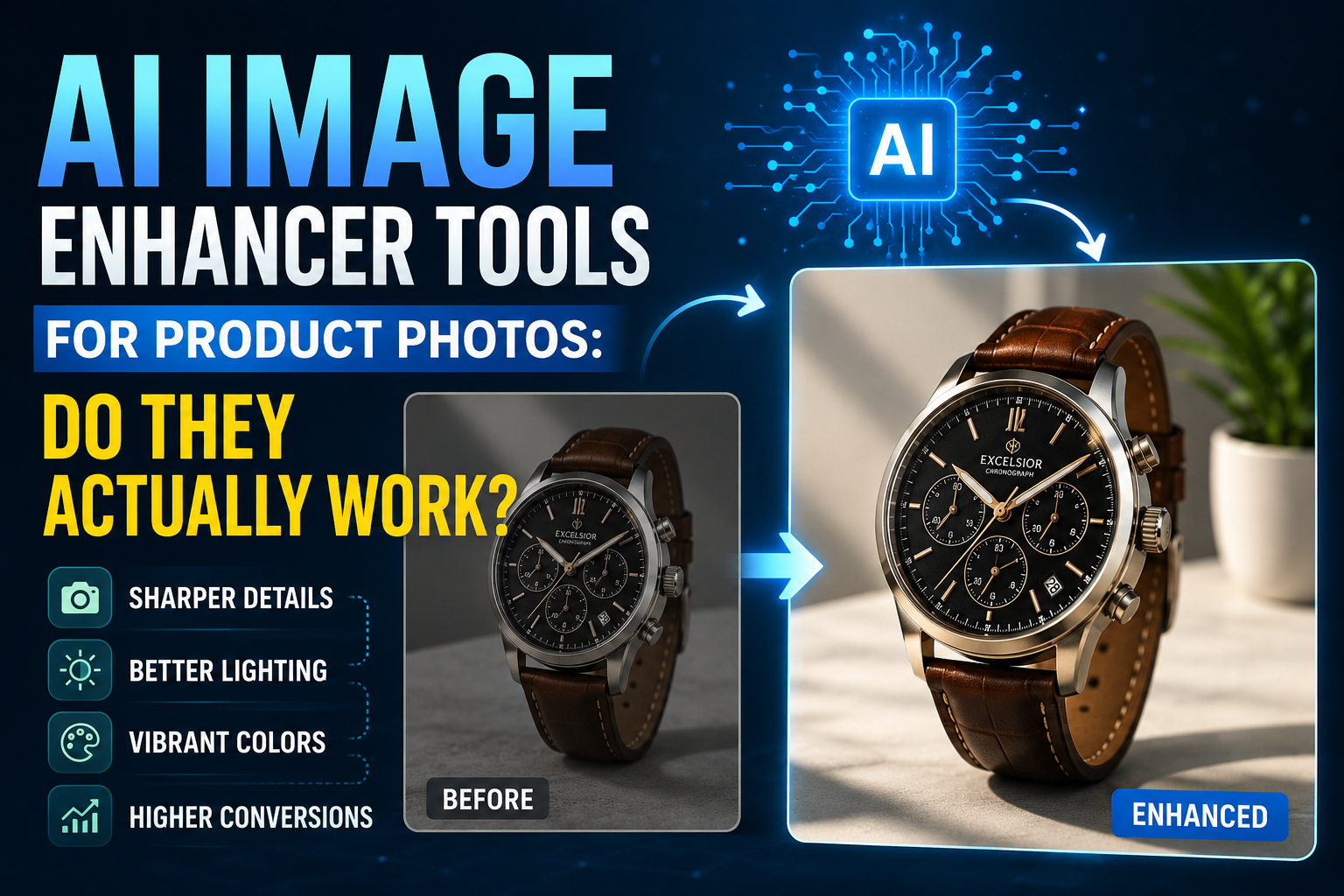
What an AI image enhancer for product photos can actually fix — and what it can’t
If you sell online, you already know product photos make or break a sale. An AI image enhancer for product photos promises to fix blurry, dark, or low-resolution images in a couple of clicks — no photographer, no studio lighting, no editing skills required. But do these tools really deliver store-ready photos, or are they just a quick filter that looks fine at a glance and falls apart on closer inspection? This guide breaks down what these tools actually do, where they genuinely help, where they fall short, and how to know if one is worth adding to your workflow.
Table of Contents
What Is an AI Image Enhancer, Exactly?
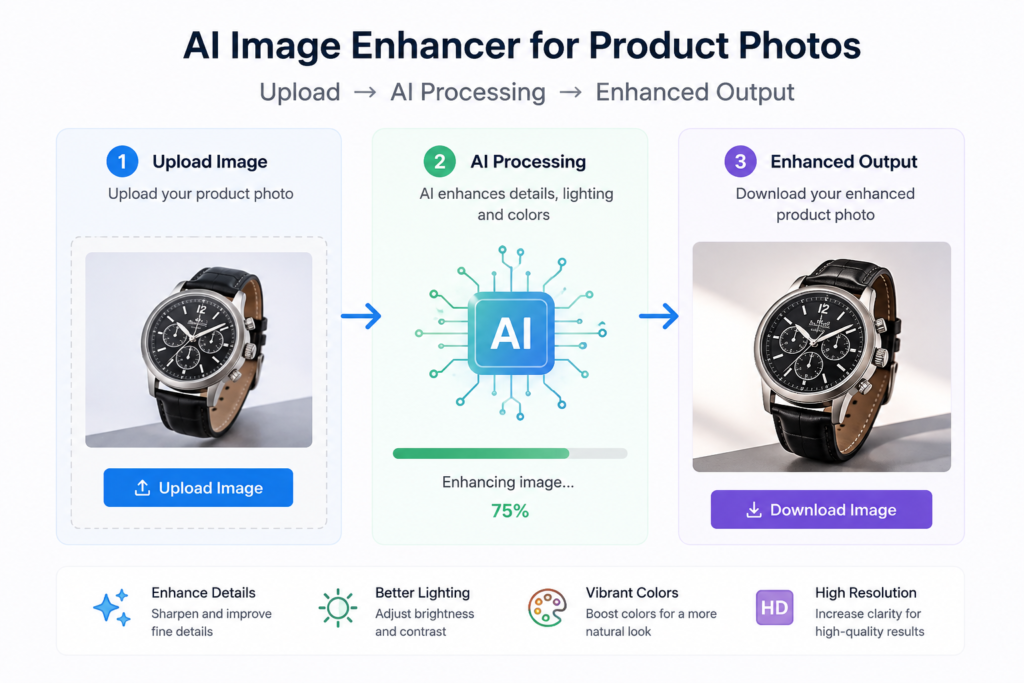
An AI image enhancer is software that uses machine learning models — trained on millions of images — to automatically improve photo quality. Instead of manually adjusting sliders in Photoshop, you upload a photo and the AI analyzes it, then applies fixes like:
- Upscaling – increasing resolution without making the image look blurry or blocky
- Sharpening – bringing out edges and fine details like fabric texture or product labels
- Noise reduction – removing the graininess common in photos shot on phones or in low light
- Color and exposure correction – fixing dull lighting, white balance, and contrast
- Background cleanup – removing or replacing cluttered backgrounds with a plain or branded one
Most tools in this space — Photoroom, Pixelcut, VanceAI, Picsart, and similar platforms — combine several of these functions into a single one-click process built specifically for e-commerce sellers.
Where AI Image Enhancers Genuinely Help
Tested against real product photos, these tools tend to perform well in a few specific situations.
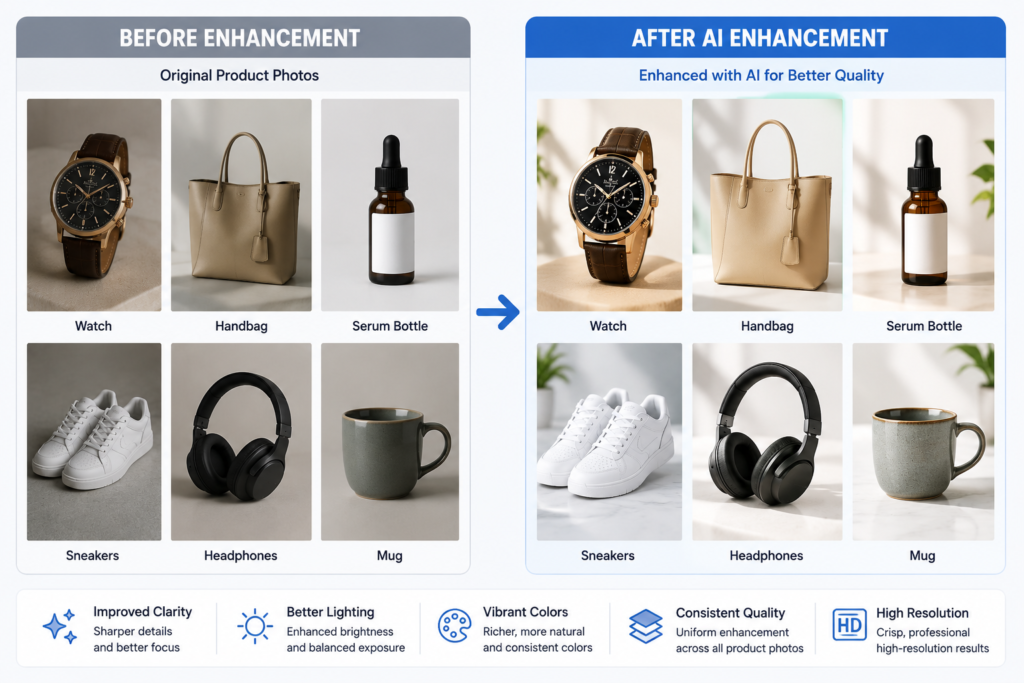
1. Turning phone photos into listing-ready images
If you’re shooting products on a smartphone rather than a full studio setup, an AI enhancer can noticeably close the gap. It sharpens soft focus, balances lighting, and removes the slight noise that phone cameras add in anything less than perfect light.
2. Upscaling low-resolution images
If you inherited product photos from a supplier or an old listing and they look pixelated when enlarged, AI upscaling can rebuild missing detail far better than a basic “resize” in an image editor. This is one of the areas where the technology genuinely outperforms older tools.
3. Creating a consistent catalog look
When your product photos come from different sources — your phone, a supplier, an old photographer — they rarely match in tone or brightness. Running them all through the same AI enhancer helps even out lighting and color so your catalog looks like one cohesive brand instead of a patchwork.
4. Speed at scale
If you’re managing dozens or hundreds of listings, batch processing is the real advantage. What would take hours of manual editing per photo can be done for an entire product line in minutes.
Where AI Image Enhancers Fall Short
This is the part most tool marketing pages skip over.
- Free tiers often add watermarks or cap resolution. Many “free” AI enhancers are really lead-ins to a paid plan, so budget accordingly if you need bulk, watermark-free output.
- They can’t fix a badly composed photo. No AI enhancer will fix bad framing, a distracting background object, or a product that’s out of focus in the wrong areas. Enhancement improves quality — it doesn’t rescue a fundamentally bad shot.
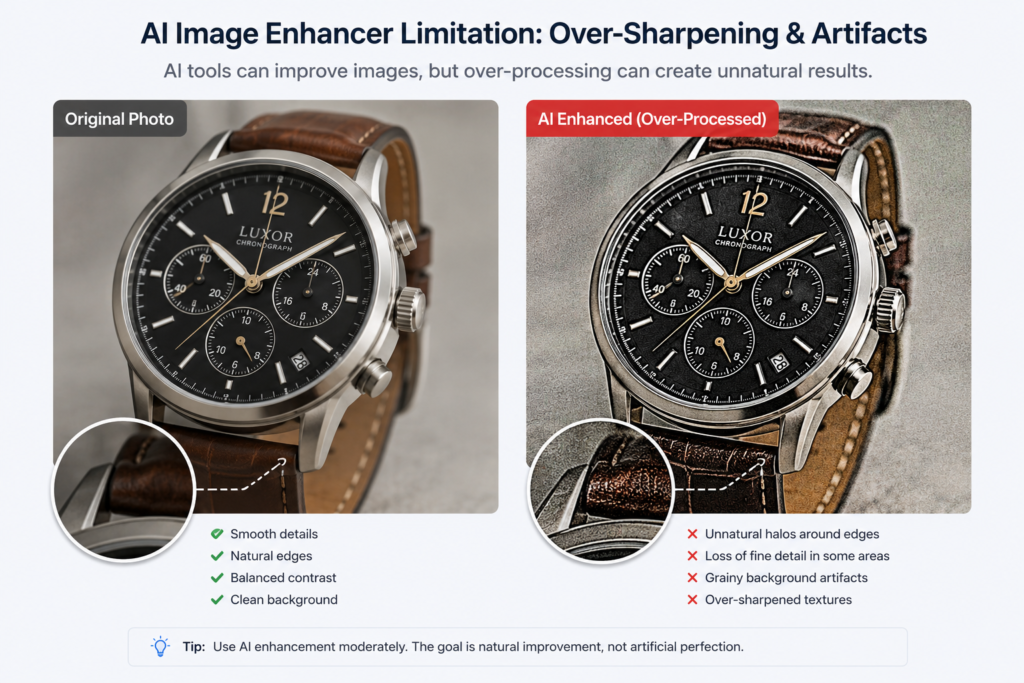
- Over-sharpening looks artificial. Push some tools too hard and you get a “plastic” or over-processed look, especially on reflective products like jewelry, glass, or electronics.
- Color accuracy isn’t guaranteed. AI color correction is a best guess, not a color-matched result. For products where exact color matters — clothing, paint, cosmetics — always double-check the enhanced version against the real item before publishing.
- Backgrounds can get messy on complex shapes. Background removal tools do well with simple products but can leave rough edges around thin details like jewelry chains, hair, or mesh fabric.
So, Do They Actually Work?
Yes — with a realistic expectation of what “work” means. AI image enhancers are genuinely useful for improving resolution, sharpness, lighting, and consistency across a product catalog, especially for small businesses that can’t afford a professional photographer for every listing. They save real time, particularly when you’re processing photos in bulk.
What they’re not is a replacement for decent original photography. The best results come from feeding the AI a reasonably well-lit, well-composed photo and letting it polish the details — not from expecting it to rescue a dark, blurry, badly framed shot.

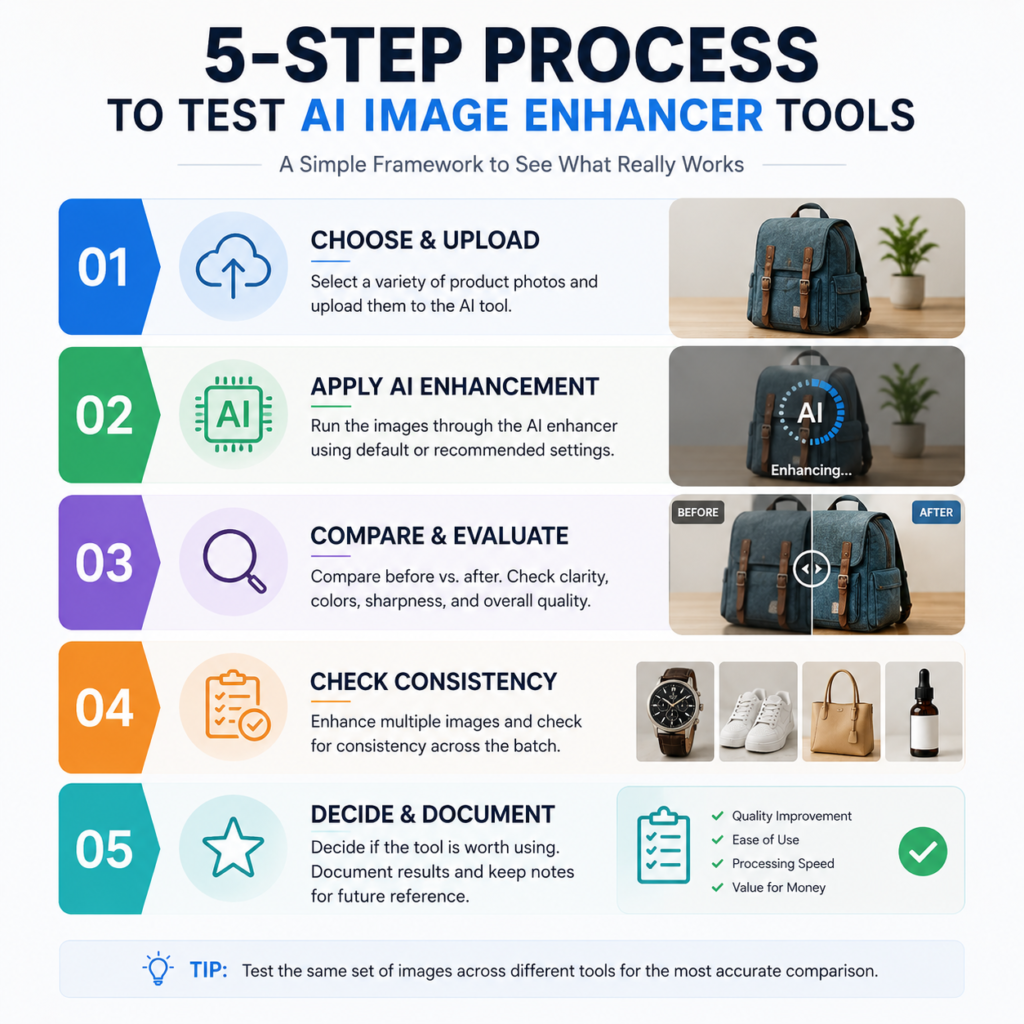
A Simple Way to Test One Before Committing
Before picking a paid plan, run this quick test:
- Choose 3-5 of your worst-performing product photos (blurry, dark, or low-res).
- Run them through the free tier of two or three different enhancers.
- Compare the results side by side at full size, not just as a thumbnail.
- Check color accuracy against the real product.
- Note whether background removal leaves clean edges on your specific product types.
This takes less than 20 minutes and tells you far more than any feature comparison page will.
Final Thoughts
An AI image enhancer for product photos won’t replace good photography, but it’s a genuinely useful tool for small business owners who need professional-looking listings without a studio budget. Use it to sharpen, upscale, and clean up decent photos — not to fix bad ones — and always check the output against the real product before it goes live.