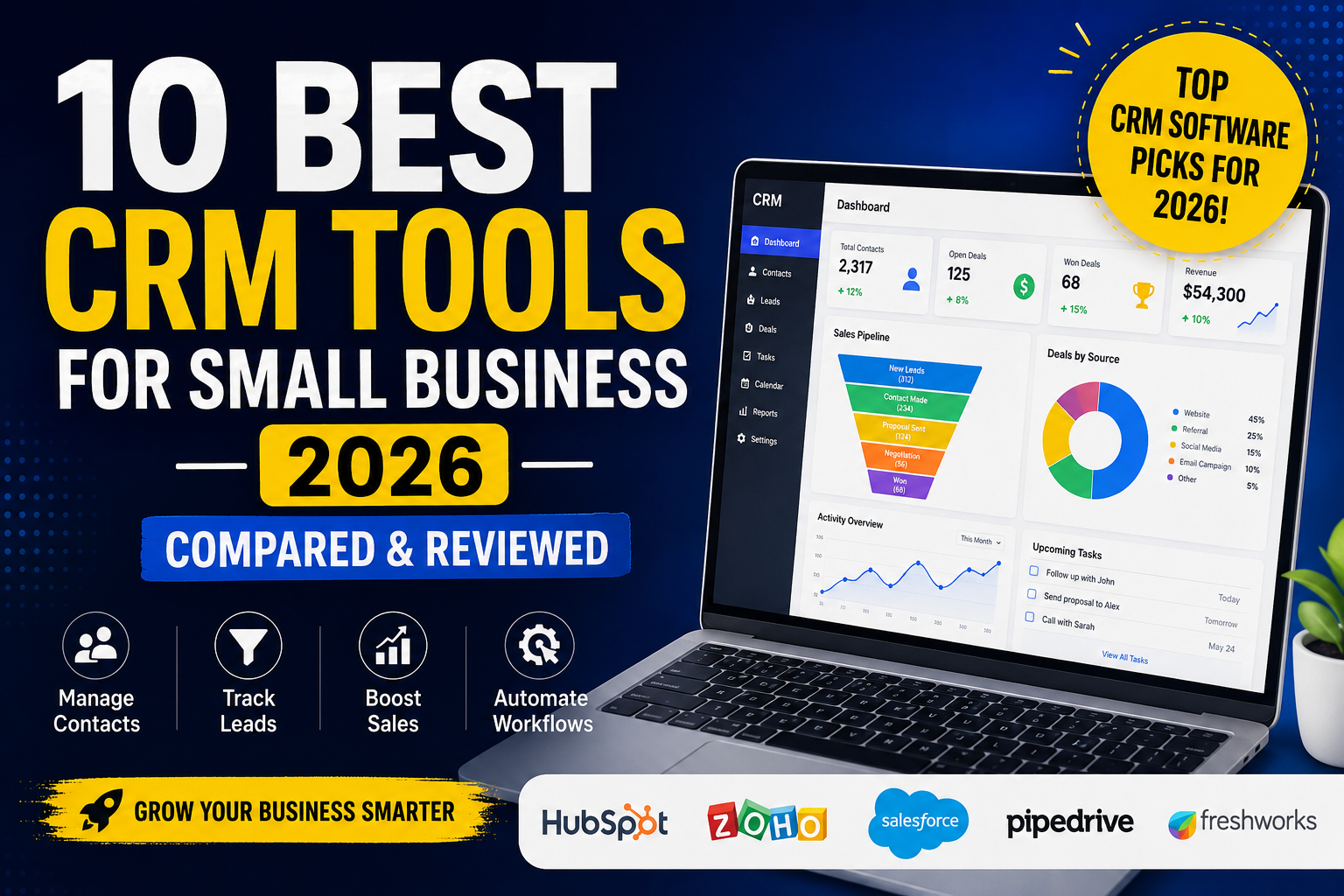
CRM tools for small business 2026 are becoming essential for companies that want to improve customer relationships, automate repetitive tasks, and increase sales efficiency. With so many CRM platforms available today, choosing the right software can feel overwhelming — especially for small businesses working with limited budgets and growing teams.
In this guide, we compare the 10 best CRM tools for small business in 2026 based on features, pricing, automation capabilities, ease of use, and overall value. Whether you need a simple CRM for managing leads or an advanced platform with AI-powered automation, this detailed review will help you find the best solution for your business needs.
Table of Contents
What Is a CRM Tool?
CRM stands for Customer Relationship Management.
A CRM tool helps businesses manage interactions with customers, leads, and prospects from one centralized platform. Instead of manually tracking contacts in spreadsheets or emails, CRM software automates the process and keeps everything organized.
Most modern CRM tools include:
- Contact management
- Lead tracking
- Sales pipeline management
- Email automation
- Customer support features
- Analytics and reporting
- AI-powered automation
For small businesses in 2026, CRM platforms are no longer optional. They are essential for improving efficiency and scaling operations.
Why Small Businesses Need CRM Software in 2026
Customer expectations are higher than ever. Businesses now need faster communication, personalized marketing, and streamlined support systems to stay competitive.
The right CRM software can help small businesses:
- Save time through automation
- Increase sales conversions
- Improve customer retention
- Track leads more effectively
- Manage teams efficiently
- Automate follow-ups and reminders
- Improve marketing campaigns
Many CRM tools now also include AI-powered features that can automate workflows, generate insights, and improve customer engagement.
1. HubSpot CRM
Best For: All-in-One CRM Solution
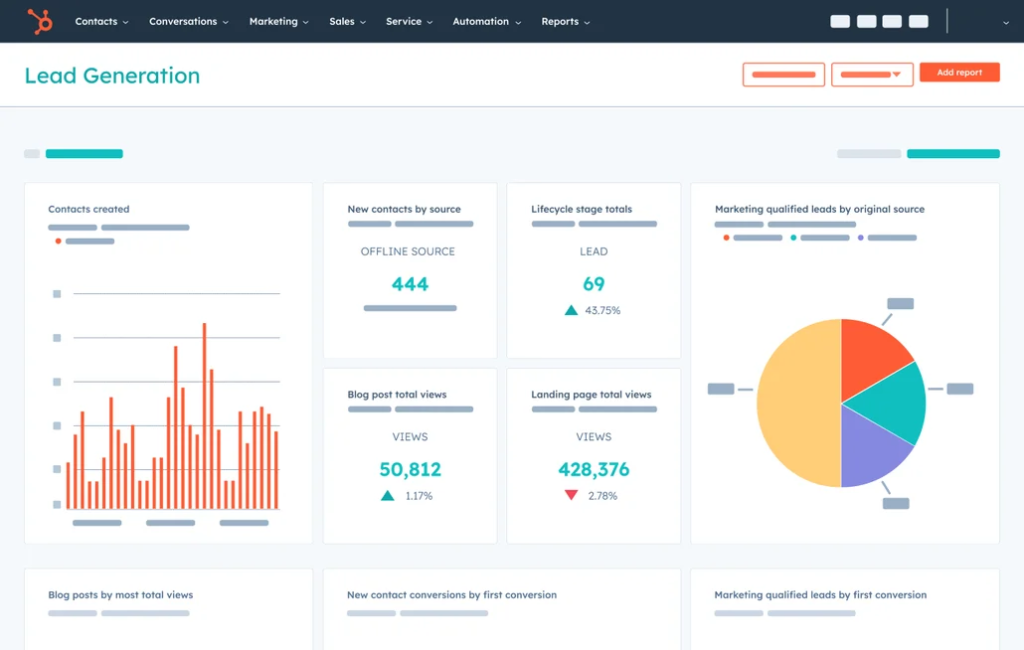
HubSpot remains one of the most popular CRM tools for small business in 2026 because of its ease of use and powerful free plan.
It combines sales, marketing, customer support, and automation into one platform, making it ideal for businesses that want an all-in-one solution.
Key Features
- Contact and lead management
- Email marketing automation
- Sales pipeline tracking
- AI-powered email writing tools
- Customer support ticketing
- Reporting dashboards
- Workflow automation
Pros
- Excellent free version
- Beginner-friendly interface
- Strong automation features
- Great integrations
Cons
- Paid plans become expensive
- Advanced features require upgrades
Best For
Small businesses looking for a scalable CRM platform with marketing automation included.
2. Zoho CRM
Best For: Budget-Friendly Businesses
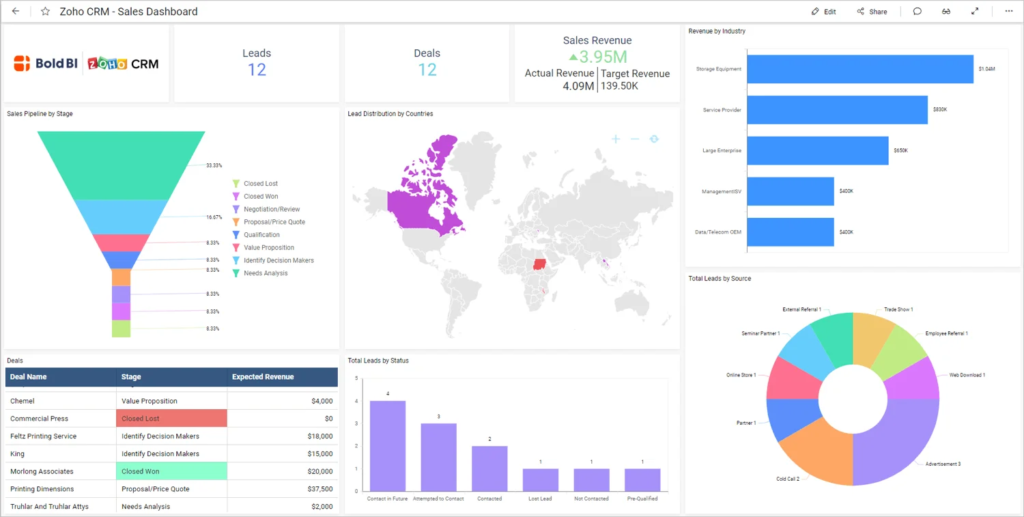
Zoho CRM is a powerful and affordable CRM solution designed for startups and small businesses that need flexibility without high monthly costs.
It offers a wide range of automation features and integrations at competitive pricing.
Key Features
- Lead management
- AI sales assistant
- Workflow automation
- Multi-channel communication
- Sales forecasting
- Custom dashboards
Pros
- Affordable pricing
- Highly customizable
- Good AI features
- Large app ecosystem
Cons
- Interface can feel overwhelming
- Learning curve for beginners
Best For
Businesses that want advanced CRM capabilities at a lower cost.
3. Salesforce Essentials
Best For: Growing Businesses
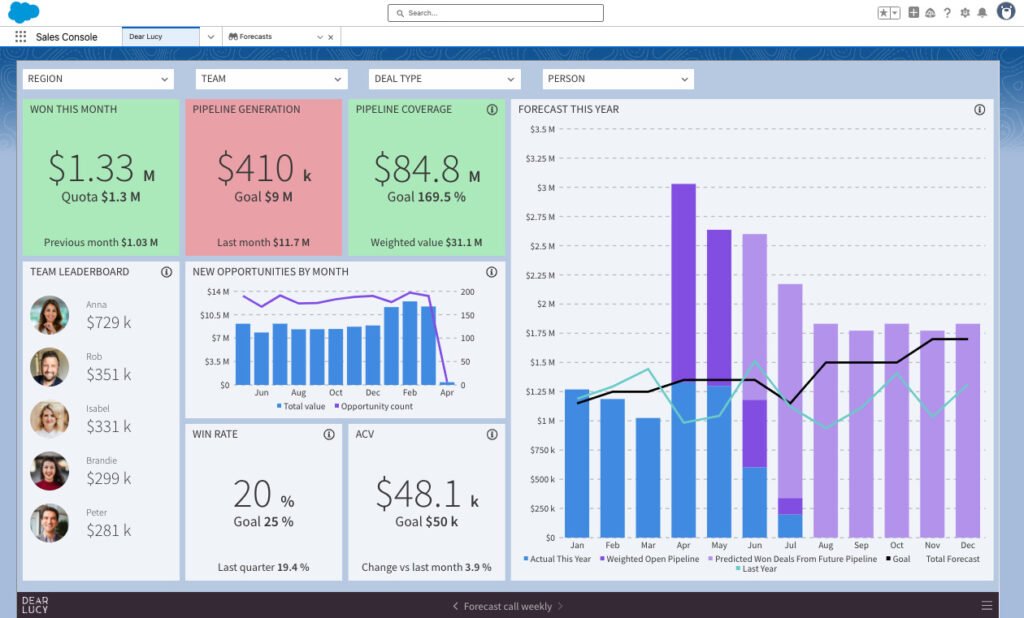
Salesforce is one of the most recognized CRM platforms in the world. While its enterprise plans are powerful, Salesforce Essentials is designed specifically for small businesses.
Key Features
- Sales tracking
- AI-powered insights
- Customer management
- App integrations
- Reporting and forecasting
- Mobile CRM access
Pros
- Extremely powerful platform
- Excellent scalability
- Strong analytics
Cons
- Higher pricing
- Can feel complex
Best For
Businesses planning for long-term growth and scalability.
4. Pipedrive
Best For: Sales Teams
Pipedrive focuses heavily on visual sales pipeline management, making it one of the best CRM tools for sales-focused small businesses.
Key Features
- Visual sales pipelines
- AI sales assistant
- Workflow automation
- Email tracking
- Activity reminders
- Lead management
Pros
- Easy-to-use interface
- Excellent pipeline visualization
- Great sales tracking tools
Cons
- Limited marketing tools
- Fewer advanced reporting features
Best For
Sales-driven teams that want simplicity and visibility.
5. Freshworks CRM
Best For: Customer Support Integration
Freshworks CRM combines sales and customer engagement features in one platform.
It is especially useful for businesses that prioritize customer support and communication.
Key Features
- Omnichannel communication
- AI-powered chatbot
- Lead scoring
- Email automation
- Customer journey tracking
Pros
- Modern interface
- Strong customer support tools
- Good automation features
Cons
- Some features locked behind higher plans
- Limited customization compared to competitors
Best For
Businesses focused on customer experience and engagement.
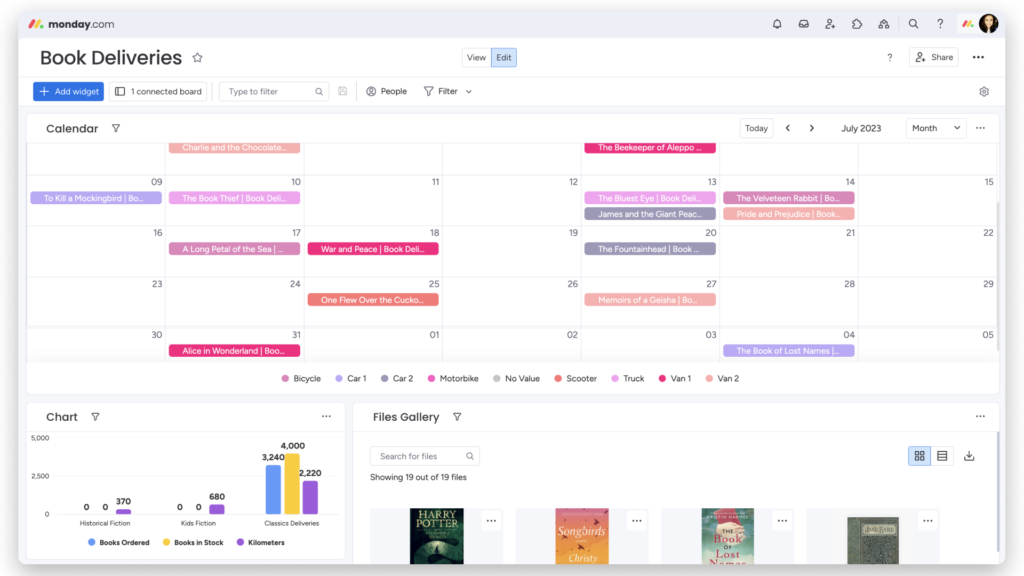
6. Monday.com CRM
Best For: Project Management + CRM
Monday.com has evolved into a flexible CRM solution for small businesses that also need project management functionality.
Key Features
- Visual workflows
- Lead management
- Team collaboration
- Automation templates
- Sales tracking
Pros
- Highly visual platform
- Easy collaboration
- Flexible customization
Cons
- CRM features less advanced than dedicated platforms
- Pricing increases with users
Best For
Teams managing both projects and customer relationships.
7. Keap
Best For: Automation and Follow-Ups
Keap is known for helping small businesses automate lead nurturing and customer follow-ups.
Key Features
- Email automation
- Appointment scheduling
- Sales automation
- Contact segmentation
- Payment integrations
Pros
- Strong automation tools
- Excellent for follow-up sequences
- User-friendly interface
Cons
- Higher pricing for smaller businesses
- Limited reporting customization
Best For
Businesses heavily focused on lead nurturing and automation.
8. Insightly
Best For: Relationship Management
Insightly combines CRM functionality with project management features, making it useful for service-based businesses.
Key Features
- Contact management
- Pipeline tracking
- Workflow automation
- Project management tools
- Reporting dashboards
Pros
- Good project management integration
- Clean interface
- Strong relationship tracking
Cons
- Limited free plan
- Fewer integrations than larger competitors
Best For
Service businesses managing long-term customer relationships.
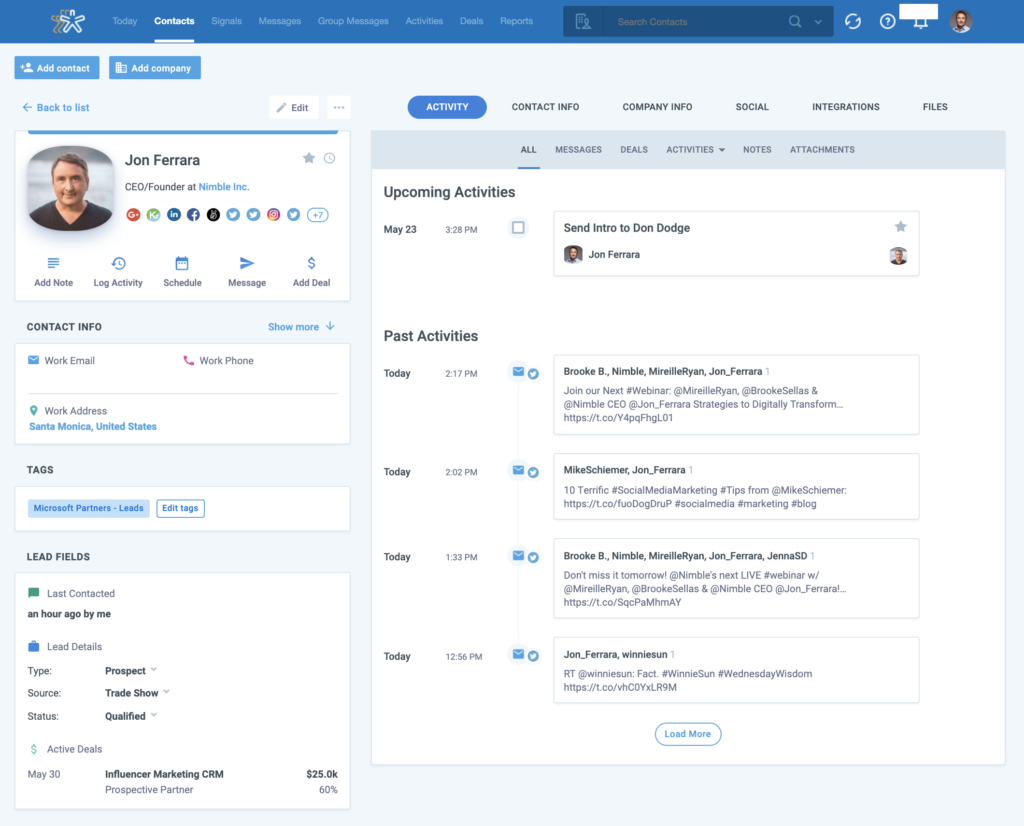
9. Nimble
Best For: Social Media Relationship Management
Nimble stands out because it integrates social media relationship tracking into its CRM system.
Key Features
- Social profile enrichment
- Contact management
- Email tracking
- Task management
- Team collaboration
Pros
- Excellent social media integration
- Easy contact enrichment
- Simple interface
Cons
- Limited advanced automation
- Smaller ecosystem
Best For
Businesses focused on networking and relationship-based sales.
10. Zendesk Sell
Best For: Customer Service Teams
Zendesk Sell is designed for businesses that need both CRM functionality and customer support integration.
Key Features
- Sales pipeline management
- Customer support integration
- Analytics and forecasting
- Automation workflows
- Mobile CRM tools
Pros
- Excellent customer service features
- Strong reporting
- Easy communication tracking
Cons
- Advanced features cost more
- Less beginner-friendly
Best For
Support-focused businesses needing integrated sales tools.
How to Choose the Best CRM Tool for Your Small Business
Choosing the right CRM depends on your business goals, team size, and workflow needs.
Before selecting a CRM platform, consider:
Ease of Use
Small businesses usually benefit from simple interfaces that require minimal training.
Automation Features
Look for tools that automate repetitive tasks like follow-ups, reminders, and lead scoring.
Scalability
Choose a CRM that can grow alongside your business.
Integrations
Your CRM should integrate with email marketing software, payment systems, customer support tools, and social media platforms.
Budget
Some CRM platforms offer powerful free plans, while others require premium subscriptions for advanced features.

Which CRM Tool Is Best in 2026?
There is no single perfect CRM for every business.
However:
- HubSpot is best overall for most small businesses
- Zoho offers the best value
- Pipedrive is ideal for sales teams
- Keap excels in automation
- Salesforce is best for scalability
The best CRM tools for small business in 2026 are the ones that save time, improve customer management, and help businesses grow efficiently.
Conclusion
Choosing the right CRM software can completely transform how a small business operates in 2026. From managing leads and tracking customer interactions to automating follow-ups and improving sales performance, the best CRM tools help businesses save time, increase productivity, and grow faster.
As customer expectations continue to rise, small businesses need smarter systems to stay competitive. That is why investing in one of the best CRM tools for small business in 2026 is no longer just an option — it is becoming a necessity.
If you are looking for an easy all-in-one platform, HubSpot remains one of the strongest choices overall. Businesses focused on affordability may prefer Zoho, while sales-driven teams may benefit more from Pipedrive. Companies looking for advanced scalability and enterprise-level functionality should consider Salesforce.
The ideal CRM depends on your business size, budget, workflow, and long-term goals. Before making a final decision, take advantage of free trials and test the platforms that best fit your needs.
A powerful CRM system can help small businesses build stronger customer relationships, streamline operations, improve team collaboration, and ultimately increase revenue. The earlier you implement the right CRM solution, the easier it becomes to scale your business successfully in the years ahead.